

Games · Xbox 360

Asura's Wrath (Deva's Joy)
Source On GitHubRaddSpencer/DevasJoy- ReleasedNov 24, 2026
- Downloads119
- Versionv0.1.0-beta.1Scanned Clean
- GitHub Stars4
How It Runs
Plays Great
Has Problems
Won't Run
Played it? The app asks how a game ran when you close it, and your report shows here.
- Console
- Xbox 360
- Project
- DevasJoy
- Runs On
- Windows
- Version
- v0.1.0-beta.1, Nov 24, 2026
- Completeness
- Mostly Playable - “The game is playable, but expect rough edges: see [Known issues](#known-issues).”
- AI Use
- AI-Assistance Not Known
- What It Adds
- 60 FPS - “- 60 fps as well as the original 30.” · HD - “| Internal Resolution | Render scale: Auto, or 1x to 4x of 1280x720 (restart to apply) |”
How To Set Up
You Bring
- Asura's Wrath disc image - Disc image dumped from your own copy of Asura's Wrath (Xbox 360). Usual name: Asura's Wrath (World).iso. Setup identifies it by size and SHA-256, so the name doesn't matter.
- Title update 1 - Title update 1 dumped from your own console. Usual name: TU_11K620N_000000K000000.0000000000085. The recompiled code was made from the updated executable, so it is required.
- Episode Pack: Part IV - DLC (episodes 19-22, the true ending). Usual name: 78E95E38A274CA2033EB0517828152A3038C11C943.
- Episode 11.5 - DLC. Usual name: 8A6811EC2255FE171FAF9E4372B23B1B0581E4CA43.
- Episode 15.5 - DLC. Usual name: E2AFB00ED67E4B55C63F8DA33C0F8783F88E29B843.
- Lost Episode 1 - DLC. Usual name: 981ED33639F0A6275BA34BDD2E3D276C16F94A6D43.
- Lost Episode 2 - DLC. Usual name: F56F8734F04D89EAB07E9003A7F48DE046DA57B743.
The First Time It Starts
- Unpack the release zip into a folder of its own with a short path (at most 140 characters, not Program Files), for example C:\Games\AsurasWrath.
- Run asura_setup.exe.
- Fill in your files by dropping them on the setup window, using Browse, or pasting paths. OK stays greyed out until the disc image and title update are green.
- Press OK; setup unpacks the game and DLC into the folder, then offers to start the game.
- On the first start the game compiles its shaders behind a progress screen (a few minutes, once).
Decomp Buddy does the downloading and unpacking for you. These notes are condensed from the project's own instructions, for Windows PC.
Made By
 RaddSpencer
Safety Report
- Malware Scan
- Scanned with ClamAV 1.5.5 on Nov 24, 2026: no known malware in its download. Decomp Buddy only installs those exact files - if the project swaps one, it waits for a new scan.
- Uploaded By
- The project's owner
- License
- Not stated by the project
- Account
- On GitHub since November 2026
Install
Get Game
Nothing happened? You need Decomp Buddy first. It's free: Get Decomp Buddy, open it once, then press Install again.
Decomp Buddy never hosts or downloads the original game. It sets up DevasJoy and tells you exactly which file of yours to drop in - then checks it's the right one. A ready-made plan is published for this one, so no AI key is needed. This is a community project: we check it, but we can't guarantee it.
Made this? Get a Listed On Decomp Buddy badge for your README.
More Like This
 Sonic UnleashedXbox 360 · UnleashedRecomp · Windows · LinuxRuns On Steam Deck60 FPSWidescreenHD
 Tekken 6Xbox 360 · Tekken6-native-online · Windows
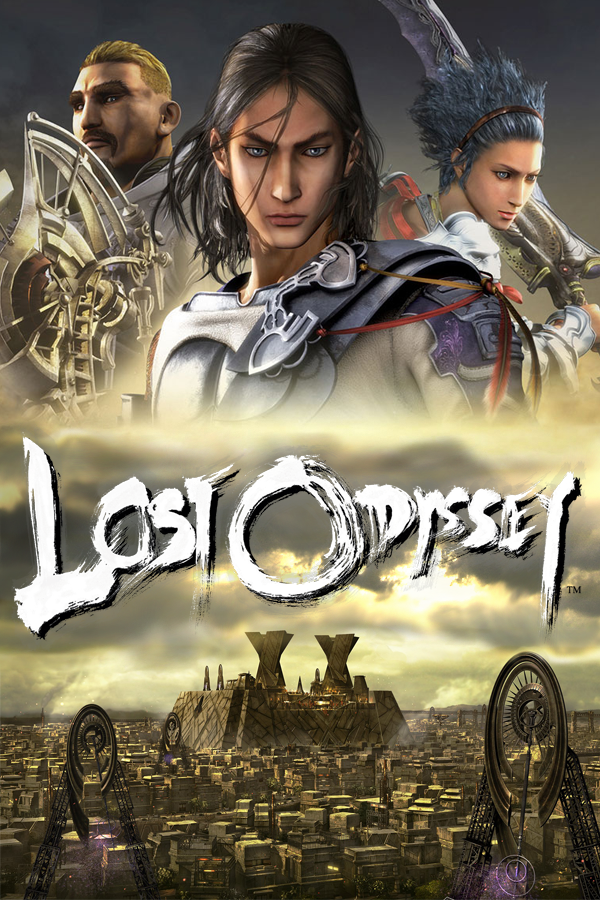 Lost OdysseyXbox 360 · LostOdysseyRecomp · WindowsRuns On Steam Deck
 Midnight Club: Los Angeles (mcla-recomp)Xbox 360 · Windows60 FPSHD
 Skate 3Xbox 360 · skate3recomp · Windows · Linux · macOSMostly PlayableWidescreen
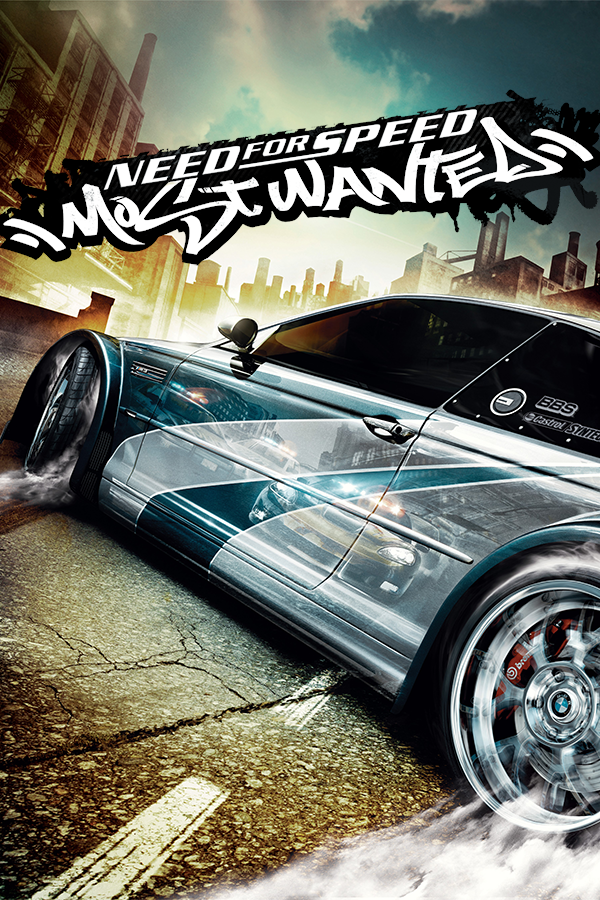 Need for Speed: Most WantedXbox 360 · NFSMW Android Evolved · AndroidHD