

Games · PlayStation Portable
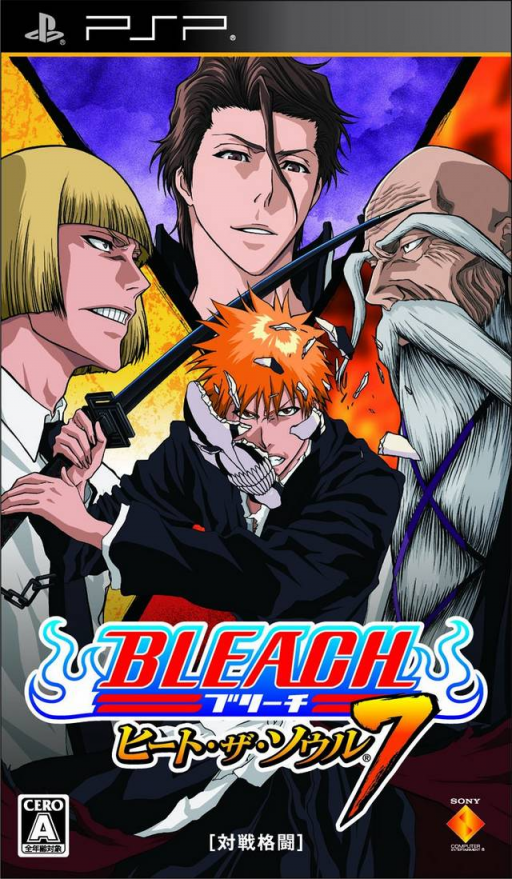
Bleach: Heat the Soul 7
Source On GitHubkrprojecthts/Bleach-HTS7-Releases- ReleasedNov 21, 2026
- Downloads208
- Versionv1.0.0-betaScanned Clean
- GitHub Stars6
How It Runs
Played it? The app asks how a game ran when you close it, and your report shows here.
- Console
- PlayStation Portable
- Project
- Bleach-HTS7-Releases
- Runs On
- Windows
- Version
- v1.0.0-beta (pre-release), Nov 21, 2026
- AI Use
- AI-Assistance Not Known
- What It Adds
- 60 FPS - “| 🎞️ 60 FPS presentation | 60 pictures a second through Vulkan: an in-between picture is drawn between every two game frames.” · HD - “| 🔆 Upgraded lighting & shaders | Internal resolution up to 6×, texture upscaling, MSAA and anisotropic filtering.” · Mods - “| 🧩 Texture mods | Built-in texture dumping and HD replacement (Extra ▸ △ Texture Mods).” · Online Play - “QUICKSTART.txt in the release covers controls, settings, online play, replays, training tools and troubleshooting.”
How To Set Up
You Bring
- Decrypted EBOOT.BIN (UCJS-10110) - The decrypted EBOOT.BIN of your own copy of the Japanese disc UCJS-10110. The README says game\README.txt explains how to get it with PPSSPP (Settings, Tools, Developer tools, Dump decrypted EBOOT.BIN on game boot).
- Disc image (UCJS-10110) - Your own disc image (.iso) of the Japanese disc UCJS-10110. A disc image with the game's 1.01 update is best; the original disc works too. Keep it anywhere.
The First Time It Starts
- Download the .zip and extract it to its own folder (not run from inside the zip), for example C:\Games\BLEACH HTS7 PC\.
- Put your decrypted EBOOT.BIN of UCJS-10110 in the game\ folder.
- Double-click BleachNative.exe.
- On the DISC SETUP screen pick your .iso; it checks both files. Press START to launch.
Decomp Buddy does the downloading and unpacking for you. These notes are condensed from the project's own instructions, for Windows PC.
Made By
 krprojecthts
Safety Report
- Malware Scan
- Scanned with ClamAV 1.5.5 on Nov 21, 2026: no known malware in its download. Decomp Buddy only installs those exact files - if the project swaps one, it waits for a new scan.
- Uploaded By
- The project's owner
- License
- Not stated by the project
- Account
- On GitHub since October 2026
Install
Get Game
Nothing happened? You need Decomp Buddy first. It's free: Get Decomp Buddy, open it once, then press Install again.
Decomp Buddy never hosts or downloads the original game. It sets up Bleach-HTS7-Releases and tells you exactly which file of yours to drop in - then checks it's the right one. A ready-made plan is published for this one, so no AI key is needed. This is a community project: we check it, but we can't guarantee it.
Made this? Get a Listed On Decomp Buddy badge for your README.
More Like This
 Monster Hunter Portable 3rd HDPlayStation Portable · Windows · LinuxPlayable Start To FinishSteam Deck Verified
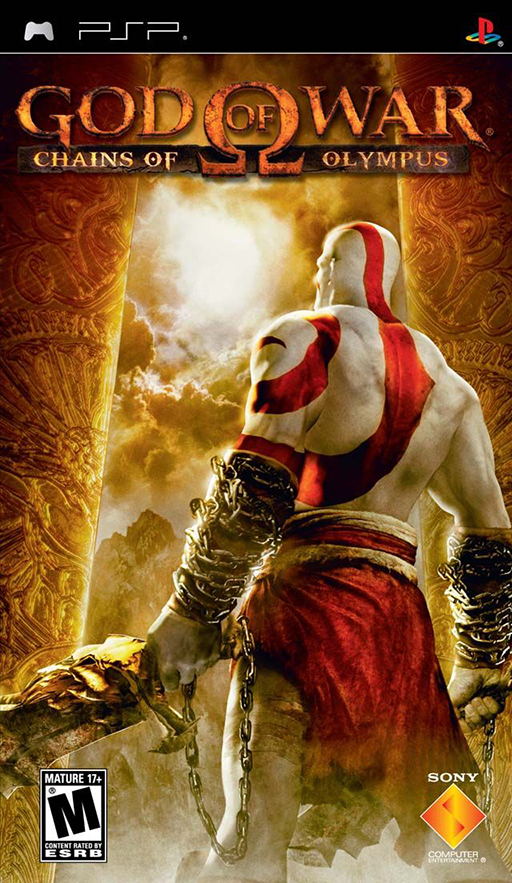 God of War: Chains of OlympusPlayStation Portable · gow-psp-recomp · Windows60 FPSWidescreenHD
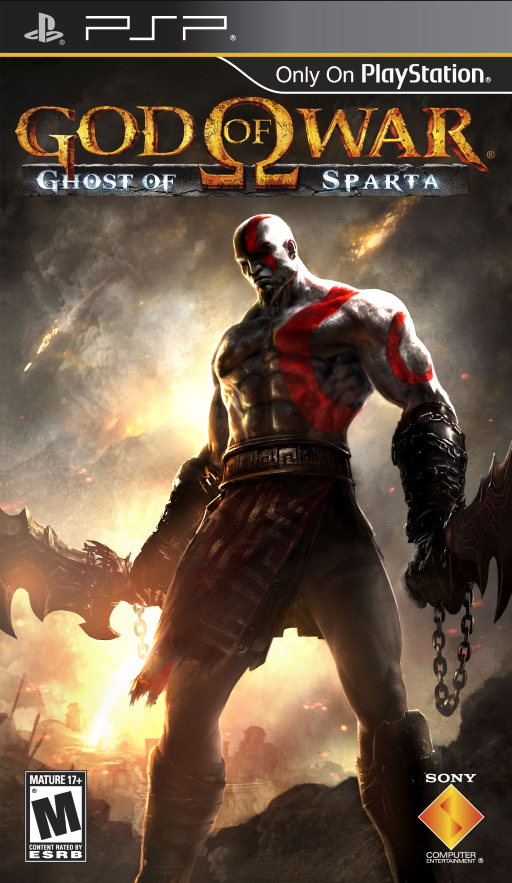 God of War: Ghost of SpartaPlayStation Portable · gow-psp-recomp · Windows60 FPSWidescreenHD
 Grand Theft Auto: Liberty City StoriesPlayStation Portable · WindowsPre-releaseMods
 Grand Theft Auto: Vice City Stories (VCSPC)PlayStation Portable · Windows · Android · macOSWidescreenHDMods
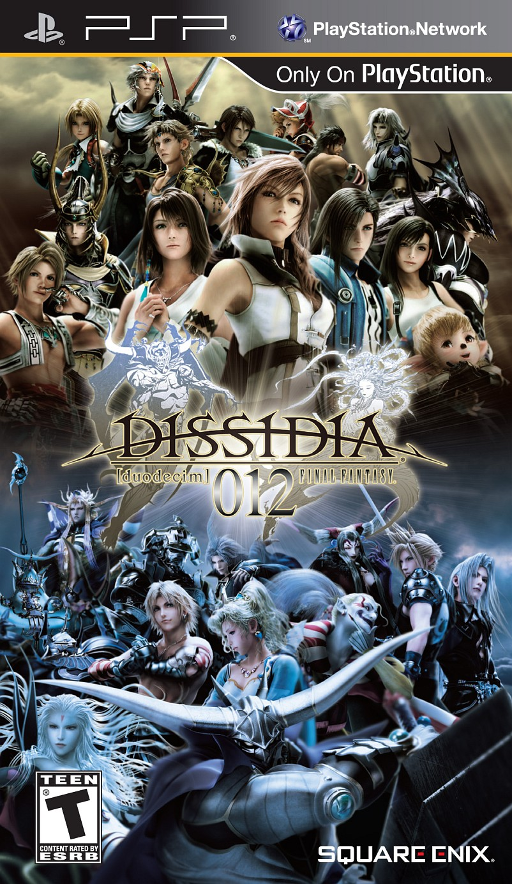 Dissidia 012 Duodecim Final Fantasy (PC port)PlayStation Portable · WindowsRuns On Steam DeckPre-release60 FPSHDMods