

Games · PlayStation 4
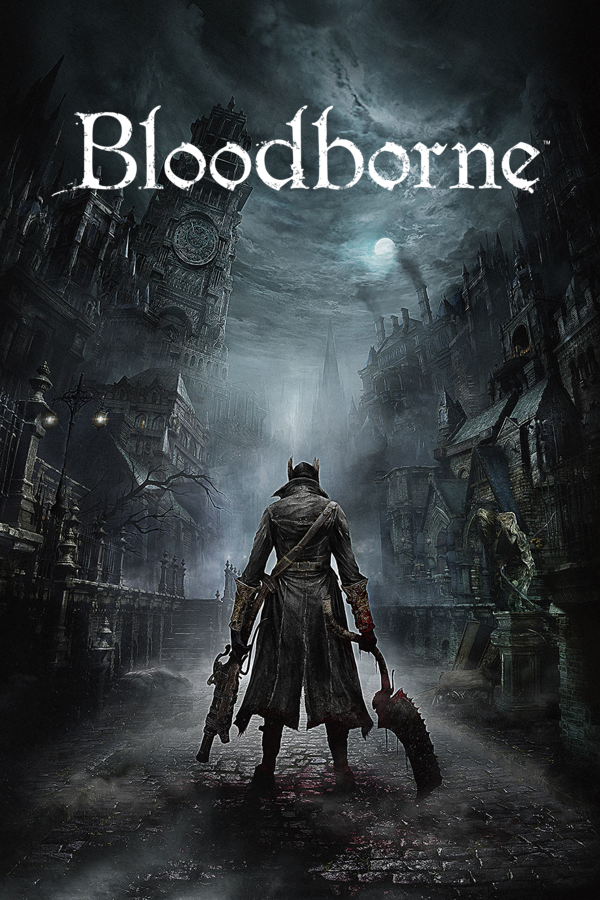
Bloodborne
Source On GitHubdroogie/bbhost- ReleasedOct 8, 2026
- Downloads94K
- Versionv0.2.35Scanned Clean
- GitHub Stars879
How It Runs
Played it? The app asks how a game ran when you close it, and your report shows here.
- Console
- PlayStation 4
- Project
- bbhost
- Runs On
- Linux · Windows
- Version
- v0.2.35 - v0.2.16 is out; Decomp Buddy installs it once it has passed the malware scan
- Completeness
- Playable Start To Finish - “The game is playable on Windows and Linux: the world, its bosses and online sessions.”
- Steam Deck
- Runs On Steam Deck - “Steam Deck. Start bbhost from Steam (as a non-Steam game), in Game Mode or Desktop Mode; otherwise Steam's desktop controls send keys alongside the pad and every press acts twice.”
- AI Use
- AI-Assistance Not Known
- What It Adds
- 60 FPS - “60 fps and beyond: 30, 60, 90, 120 or uncapped, with the game's timing” · Widescreen - “Any resolution, ultrawide included. 21:9 and 32:9 with a wider field of view and the HUD where it belongs” · HD - “Any resolution, ultrawide included. 21:9 and 32:9 with a wider field of view and the HUD where it belongs, and the resolution can be changed while playing.” · Mods - “Mods without touching the game files: replacement files, param tables” · Online Play - “Online play through a private server: co-op, invasions, messages,”
How To Set Up
You Bring
- Bloodborne game dump with the 1.09 update - A dump of your own copy of Bloodborne with the 1.09 update's files copied over it - the folder that contains dvdroot_ps4. The update can also stay in its own folder beside the game's, named with -UPDATE (or -patch) appended, e.g. CUSA00900 and CUSA00900-UPDATE.
- Decrypted 1.09 eboot - The 1.09 update's eboot.bin from your own copy, decrypted to an ELF. The setup window asks for its path and checks it.
The First Time It Starts
- Extract the release package and start bbhost.
- The setup window opens: pick the game folder and the decrypted 1.09 eboot (both are checked as you go), optionally choose the online server and account, then press Play.
- The window writes the per-user bbhost.toml and starts the game; bbhost --setup opens it again.
Decomp Buddy does the downloading and unpacking for you. These notes are condensed from the project's own instructions, for Windows PC.
Made By
 droogie
 Kyoskii
 mrexodia
 TheraNinjaCat
 metr1k-91
 cushler
 FIocker
 bmbbj8022BB
Safety Report
- Malware Scan
- Scanned with ClamAV 1.5.4 on Nov 16, 2026: no known malware in its 2 downloads. Decomp Buddy only installs those exact files - if the project swaps one, it waits for a new scan.
- Uploaded By
- The project's own automatic build on GitHub
- License
- GNU General Public License v3.0
- Account
- On GitHub since December 2011
Install
Get Game
Nothing happened? You need Decomp Buddy first. It's free: Get Decomp Buddy, open it once, then press Install again.
Decomp Buddy never hosts or downloads the original game. It sets up bbhost and tells you exactly which file of yours to drop in - then checks it's the right one. A ready-made plan is published for this one, so no AI key is needed. This is a community project: we check it, but we can't guarantee it.
Made this? Get a Listed On Decomp Buddy badge for your README.
Other Ports Of This Game
BloodbornePlayStation 4 · bloodborne_pc · WindowsBloodbornePlayStation 4 · bloodborne_mac_port · macOSPartly PlayablePre-release60 FPSWidescreenHDBloodbornePlayStation 4 · bloodborne_linux · LinuxRuns On Steam Deck60 FPSWidescreenHDBloodbornePlayStation 4 · bloodborne-recomp · macOSBloodbornePlayStation 4 · bloodborne-linux · Linux60 FPSWidescreenHDMore Like This
 God of War III RemasteredPlayStation 4 · SpartanPort · Windows · LinuxPlayable Start To FinishPre-releaseBloodborne (Bloodborne PC)PlayStation 4 · WindowsPre-release
 EA SPORTS UFC 3 (PORTHEON)PlayStation 4 · Windows · LinuxRuns On Steam Deck60 FPSLocal MultiplayerBloodborne (yharnam-pc)PlayStation 4 · Windows60 FPSWidescreenHD
 Uncharted: The Nathan Drake CollectionPlayStation 4 · uncharted_pc · Windows60 FPSWidescreenHD
 Crash Team Racing Nitro-Fueled (OCTR)PlayStation 4 · Windows · LinuxPlayable Start To FinishSteam Deck Verified60 FPSWidescreenHD