

Games · PlayStation 2
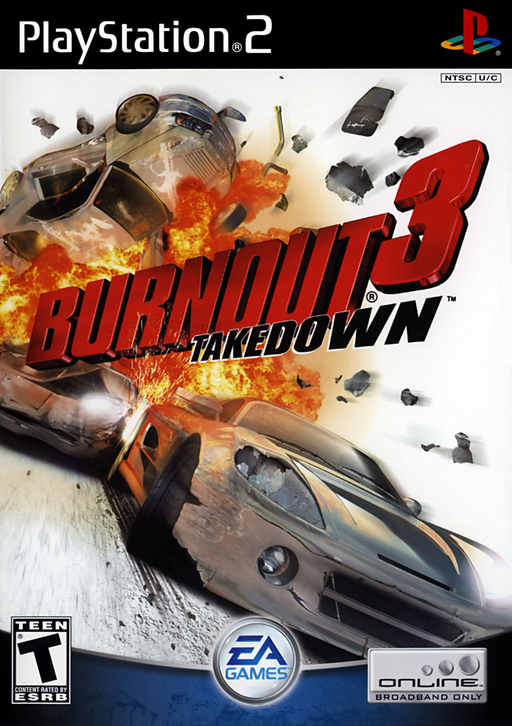
Burnout 3: Takedown
Source On GitHubu0rhs/burnout3-native- ReleasedNov 17, 2026
- Downloads2.1K
- Versionv1.4.0Scanned Clean
- GitHub Stars119
How It Runs
- Plays Greatv1.3.0 · Nov 20, 2026Windows 11 Pro for Workstations (26300) · AMD Ryzen 5 3600X 6-Core · NVIDIA GeForce GTX 1660 SUPER (driver 32.0.16.2124) · 32 GB
Played it? The app asks how a game ran when you close it, and your report shows here.
- Console
- PlayStation 2
- Project
- burnout3-native
- Runs On
- Linux · Windows · macOS
- Version
- v1.4.0 - v1.0.0 is out; Decomp Buddy installs it once it has passed the malware scan
- Steam Deck
- Runs On Steam Deck - “**Steam Deck:** in Desktop Mode add `b3launcher` to Steam as a non-Steam game (leave Proton off) and it runs in”
- AI Use
- AI-Assisted
- What It Adds
- 60 FPS - “The PS2 game as a real PC program: widescreen, high frame rates, modern controllers and mods,” · Widescreen - “The PS2 game as a real PC program: widescreen, high frame rates, modern controllers and mods,” · HD - “Any window shape up to ultrawide, a frame rate limit of your choice, MSAA, anisotropic filtering, HD texture packs” · Mods - “The PS2 game as a real PC program: widescreen, high frame rates, modern controllers and mods,” · Local Multiplayer - “Split-screen layout | Two players top / bottom (the game's) or side by side, each view at its own shape with its own HUD”
How To Set Up
You Bring
- Burnout 3: Takedown disc (NTSC-U, SLUS-21050) - Your own copy of the North American release as a disc image (.iso or raw .bin) or a folder holding the disc's files (SYSTEM.CNF, SLUS_210.50, DATA, TRACKS, PVEH, SOUND, OVID and the rest). It is read in place and never changed.
The First Time It Starts
- Unzip the download into a folder of its own and keep its files together.
- Start Burnout3Launcher.exe (Windows may warn about an unknown publisher: More info, then Run anyway).
- On the Game Data page choose your disc image or folder, once; then press START GAME on the Play page.
Decomp Buddy does the downloading and unpacking for you. These notes are condensed from the project's own instructions, for Windows PC.
Its project says AI tools helped with its code. “Yes, AI assistance was used in developing the port.”
Rather not see AI-assisted games? Tick Hide AI-Assisted on the game list.
Made By
 u0rhs
Safety Report
- Malware Scan
- Scanned with ClamAV 1.5.5 on Nov 24, 2026: no known malware in its 3 downloads. Decomp Buddy only installs those exact files - if the project swaps one, it waits for a new scan.
- Uploaded By
- The project's owner
- License
- MIT License
- Account
- On GitHub since September 2022
Install
Get Game
Nothing happened? You need Decomp Buddy first. It's free: Get Decomp Buddy, open it once, then press Install again.
Decomp Buddy never hosts or downloads the original game. It sets up burnout3-native and tells you exactly which file of yours to drop in - then checks it's the right one. A ready-made plan is published for this one, so no AI key is needed. This is a community project: we check it, but we can't guarantee it.
Made this? Get a Listed On Decomp Buddy badge for your README.
Other Ports Of This Game
Burnout 3: TakedownPlayStation 2 · burnout3-pc · WindowsMostly PlayablePre-release60 FPSWidescreenHDMore Like This
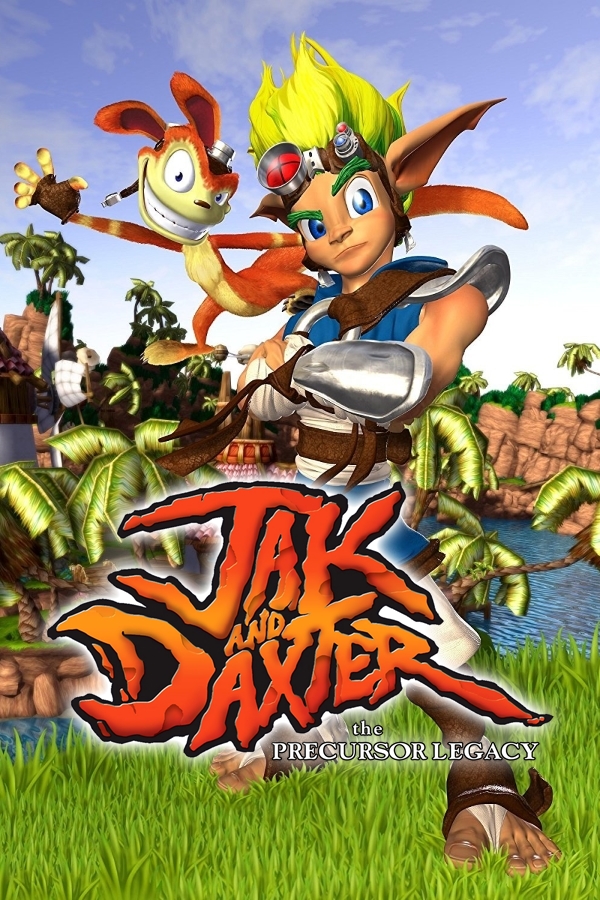 Jak & DaxterPlayStation 2 · Linux · macOS · WindowsPlayable Start To Finish
 Downhill DominationPlayStation 2 · Windows60 FPSWidescreenMods
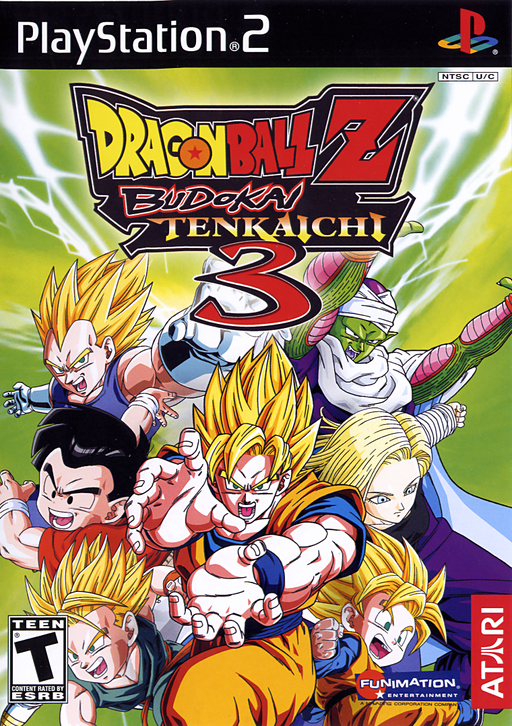 Dragon Ball Z: Budokai Tenkaichi 3PlayStation 2 · Tenkaichi3Decomp · Windows · LinuxPlayable Start To Finish
 Dragon Ball Z: Budokai Tenkaichi 4 (BT4 Tag Team)PlayStation 2 · WindowsPre-releaseHDModsOnline Play
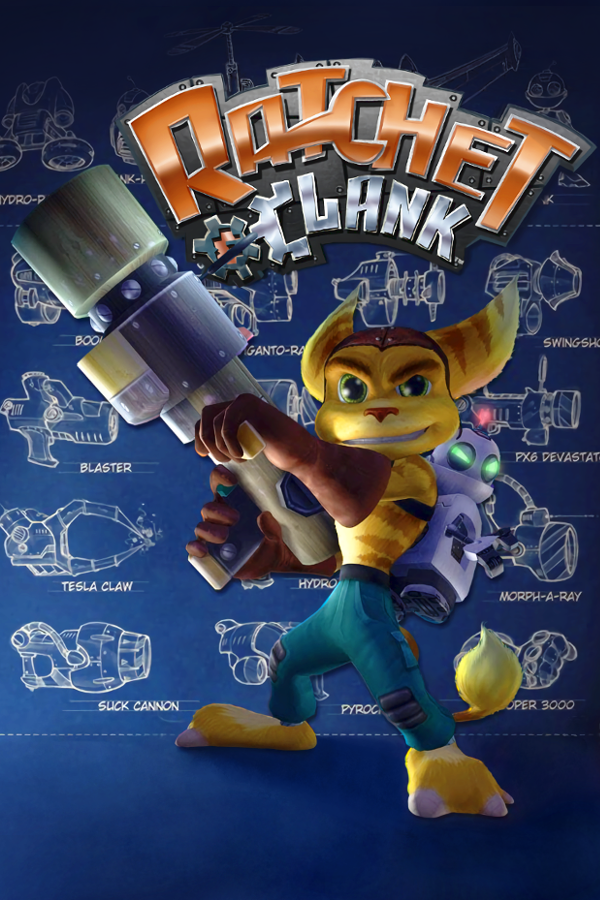 Ratchet & ClankPlayStation 2 · OpenRAC · Linux · macOS · WindowsMods
 Ratchet & Clank: Going CommandoPlayStation 2 · Linux · macOS · WindowsMods