

Games · PC (Windows)

Cave Story
- ReleasedMar 12, 2026
- GitHub Stars205
How It Runs
Played it? The app asks how a game ran when you close it, and your report shows here.
- Console
- PC (Windows)
- Project
- CSE2
- Runs On
- Windows
- Version
- AI Use
- AI-Assistance Not Known
How To Set Up
Nothing of your own is needed.
The First Time It Starts
- Run the built executable from the game_english (or game_japanese) folder.
- The DoConfig tool built alongside it can be used to change settings.
Decomp Buddy does the downloading and unpacking for you. These notes are condensed from the project's own instructions, for Windows PC.
Made By
 Clownacy
 GabrielRavier
 cuckydev
 ccawley2011
 gameblabla
 faithanalog
 Link4Electronics
 Moocow9m
Safety Report
- License
- Not stated by the project
- Account
- On GitHub since September 2014
Install
Get Game
Nothing happened? You need Decomp Buddy first. It's free: Get Decomp Buddy, open it once, then press Install again.
Decomp Buddy never hosts or downloads the original game. It sets up CSE2 and tells you exactly which file of yours to drop in - then checks it's the right one. A ready-made plan is published for this one, so no AI key is needed. This is a community project: we check it, but we can't guarantee it.
Made this? Get a Listed On Decomp Buddy badge for your README.
Other Ports Of This Game
More Like This
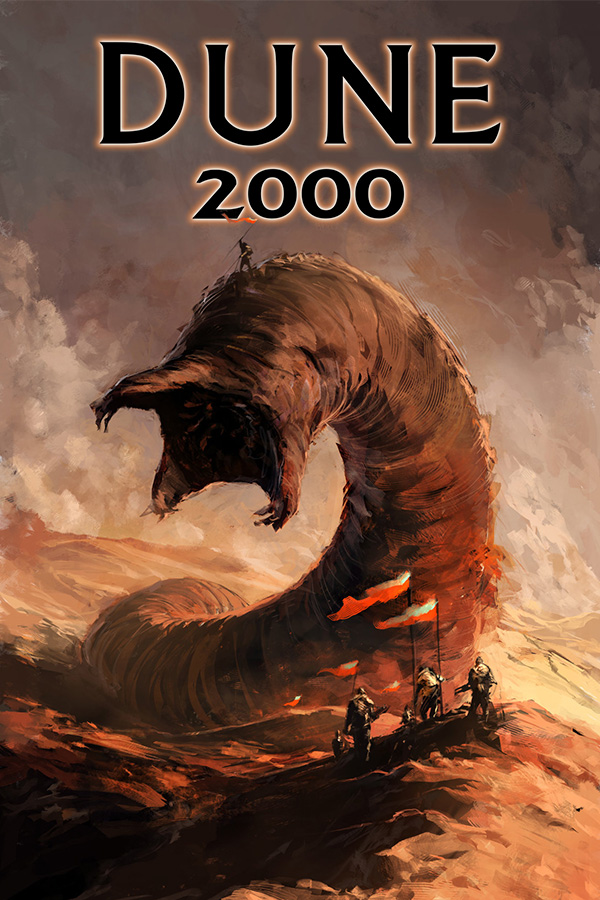 Dune 2000PC (Windows) · Linux · Windows · macOSPre-releaseMods
 RollerCoaster Tycoon 2PC (Windows) · Windows · macOS · Android · Linux
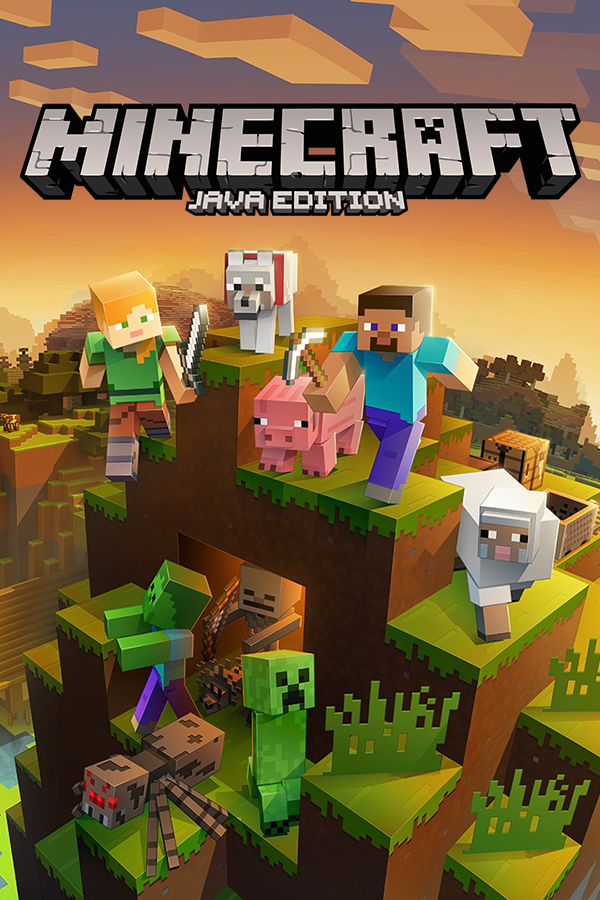 Minecraft: Java Edition (Horizon)PC (Windows) · horizon · macOS · Windows · LinuxPlayable Start To FinishMods
 The Elder Scrolls III: Morrowind (OpenMW)PC (Windows) · Linux · macOS · WindowsMods
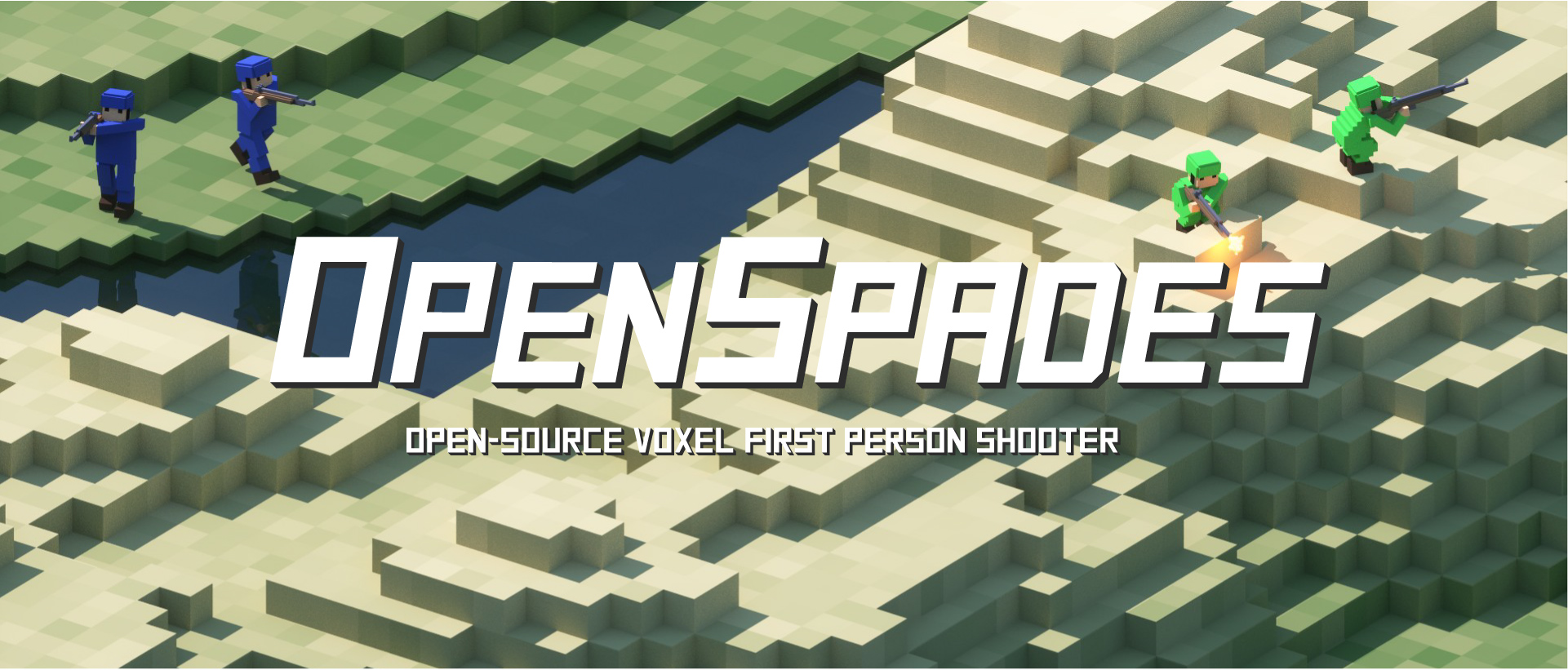 Ace of Spades (OpenSpades client)PC (Windows) · Windows
 AssaultCubePC (Windows) · Windows · macOS