

Games · Xbox 360
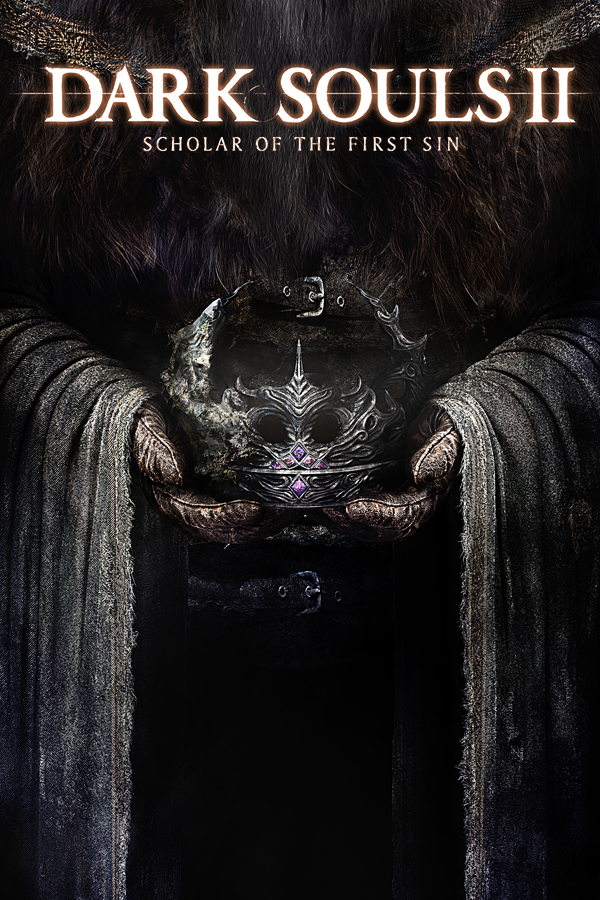
Dark Souls II: Scholar of the First Sin
- ReleasedNov 19, 2026
- Versionv0.1.4Scanned Clean
How It Runs
Played it? The app asks how a game ran when you close it, and your report shows here.
- Console
- Xbox 360
- Project
- ds2-sotfs-recomp
- Runs On
- Android
- Version
- v0.1.4, Nov 19, 2026
- Completeness
- Partly Playable - “Playable from the start of the game through Majula, with saves, cutscenes, audio and the Scholar DLC data.”
- AI Use
- AI-Assistance Not Known
- What It Adds
- 60 FPS - “Frame-rate options: 30, 40 and 60 fps, and "Smoother 60" on 120 Hz panels.”
How To Set Up
You Bring
- Dark Souls II: Scholar of the First Sin disc 1 (Xbox 360) - Your own disc 1 image (.iso). Import it on the device from the app's game-folder page (about 5.5 GB is extracted), or unpack it on a computer with tools/android/xdvdfs.py and copy everything on the disc (Default.xex, GameData..., sound, movie, ...) into the game folder directly, with no subfolder.
- Dark Souls II: Scholar of the First Sin disc 2 (Compatibility Pack 4 DLC) - Your own disc 2 image (.iso). Only its DLC package (1.2 GB) is copied; the game does not start without it. By hand, copy the one file in disc 2's content/0000000000000000/FFED2000/FFFFFFFF/ to the dlc folder.
The First Time It Starts
- Install the APK on the device (allow your browser or file manager to install apps when Android asks).
- Start it; with no game yet it opens its game-folder page, which lists both discs.
- Tap Import disc 1 and pick the disc 1 ISO, then Import disc 2 and pick the disc 2 ISO (or copy the files from a PC into Android/data/com.ds2recomp.android/files/).
- Start the game; the first start installs the DLC package and loads the bundled shader cache (a minute or two). The game asks for its offline confirmations at boot; that is normal.
Decomp Buddy does the downloading and unpacking for you. These notes are condensed from the project's own instructions, for Android.
Safety Report
- Malware Scan
- Scanned with ClamAV 1.5.4 on Nov 19, 2026: no known malware in its download. Decomp Buddy only installs those exact files - if the project swaps one, it waits for a new scan.
- Uploaded By
- The project's owner
- License
- GNU General Public License v3.0
- Account
- On GitHub since November 2026
Install
Get Game
Nothing happened? You need Decomp Buddy first. It's free: Get Decomp Buddy, open it once, then press Install again.
Decomp Buddy never hosts or downloads the original game. It sets up ds2-sotfs-recomp and tells you exactly which file of yours to drop in - then checks it's the right one. A ready-made plan is published for this one, so no AI key is needed. This is a community project: we check it, but we can't guarantee it.
Made this? Get a Listed On Decomp Buddy badge for your README.
More Like This
 Sonic UnleashedXbox 360 · UnleashedRecomp · Windows · LinuxRuns On Steam Deck60 FPSWidescreenHD
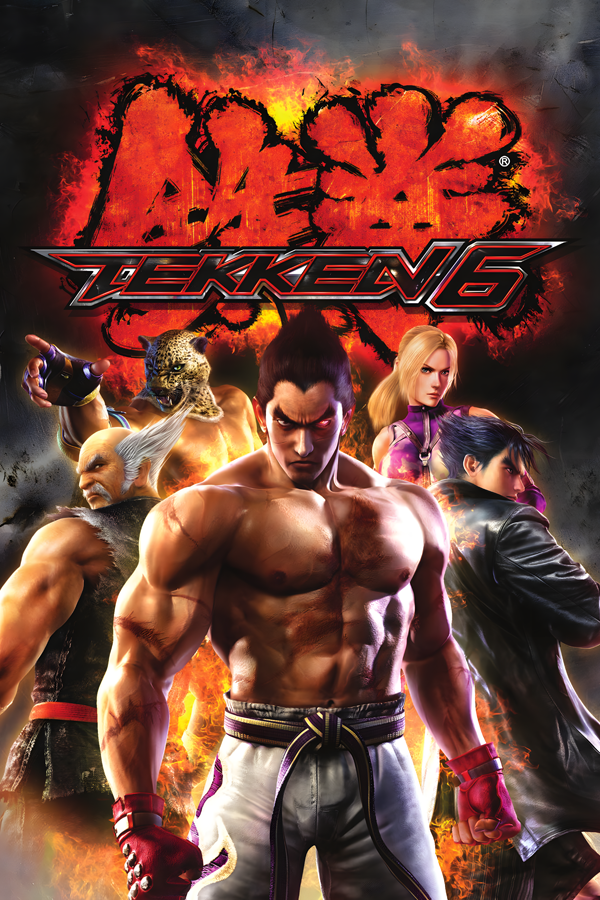 Tekken 6Xbox 360 · Windows
 Skate 3Xbox 360 · skate3recomp · Windows · Linux · macOSMostly PlayableWidescreen
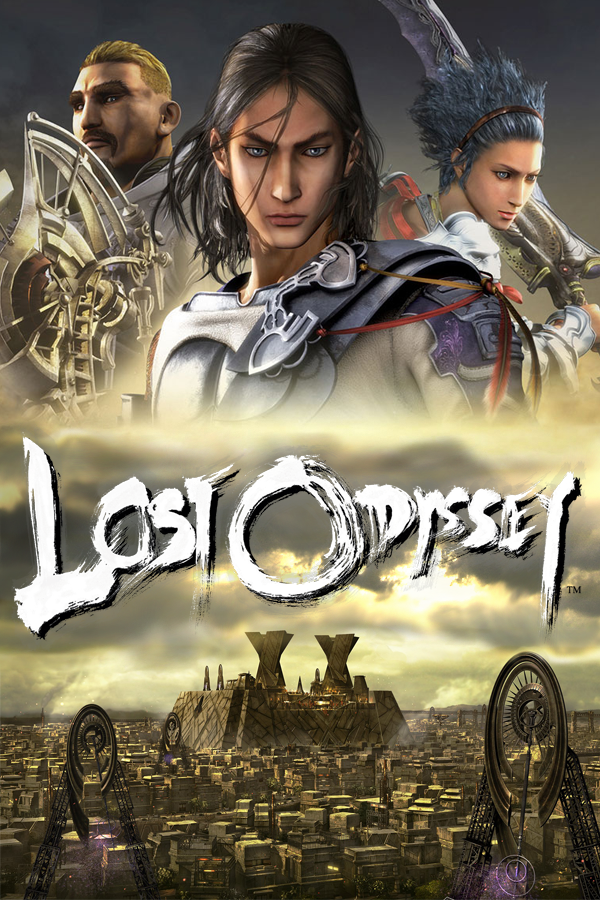 Lost OdysseyXbox 360 · LostOdysseyRecomp · WindowsRuns On Steam Deck60 FPSWidescreenMods
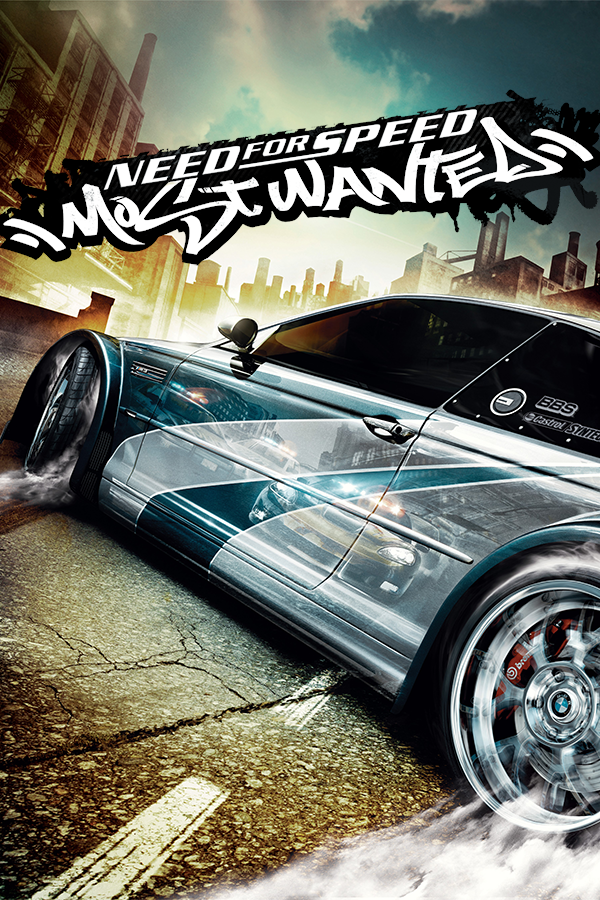 Need for Speed: Most WantedXbox 360 · NFSMW Android Evolved · AndroidHD
 WWE SmackDown vs. Raw 2011Xbox 360 · wwe-svr2011-pc · Android · WindowsRuns On Steam Deck60 FPSWidescreenHD