

Games · Arcade

- ReleasedNov 14, 2026
- Downloads33
- Versionv1.0.0Scanned Clean
- GitHub Stars1
How It Runs
Played it? The app asks how a game ran when you close it, and your report shows here.
- Console
- Arcade
- Project
- Dragon-Blaze-Recomp
- Runs On
- Windows · Linux
- Version
- v1.0.0, Nov 14, 2026
- AI Use
- AI-Assistance Not Known
How To Set Up
You Bring
- dragnblz.zip (MAME 0.264 set dragnblz) - Your own ROM archive of Dragon Blaze in MAME format: one zip with all 24 files (program ROMs, graphics ROMs, snd0.u52 and the default EEPROM). No BIOS needed. The files may sit at the top of the zip or in a dragnblz/ sub-folder. Other Psikyo PS5 games are refused.
The First Time It Starts
- Extract the zip and start it.
- Choose ROM Selection and pick your dragnblz.zip.
- Choose Start Game.
Decomp Buddy does the downloading and unpacking for you. These notes are condensed from the project's own instructions, for Windows PC.
Made By
 omegakatana92
 claude
Safety Report
- Malware Scan
- Scanned with ClamAV 1.5.4 on Nov 18, 2026: no known malware in its 2 downloads. Decomp Buddy only installs those exact files - if the project swaps one, it waits for a new scan.
- Uploaded By
- The project's owner
- License
- GNU General Public License v2.0
- Account
- On GitHub since February 2021
Install
Get Game
Nothing happened? You need Decomp Buddy first. It's free: Get Decomp Buddy, open it once, then press Install again.
Decomp Buddy never hosts or downloads the original game. It sets up Dragon-Blaze-Recomp and tells you exactly which file of yours to drop in - then checks it's the right one. A ready-made plan is published for this one, so no AI key is needed. This is a community project: we check it, but we can't guarantee it.
Made this? Get a Listed On Decomp Buddy badge for your README.
More Like This
 StepMania (ITGmania)Arcade · macOS · Windows · Linux
 Unnamed SDVX CloneArcade · Windows
 Prop CycleArcade · Linux · WindowsPlayable Start To FinishRuns On Steam DeckWidescreenOnline PlayLocal Multiplayer
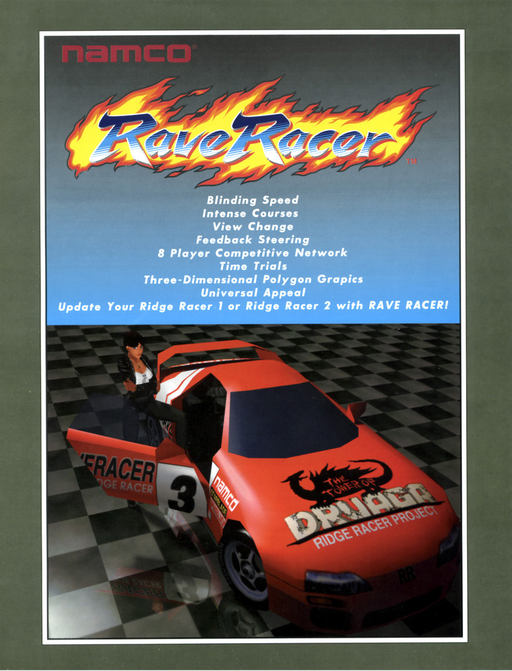 Rave RacerArcade · Linux · WindowsPlayable Start To FinishRuns On Steam DeckWidescreenOnline PlayLocal Multiplayer
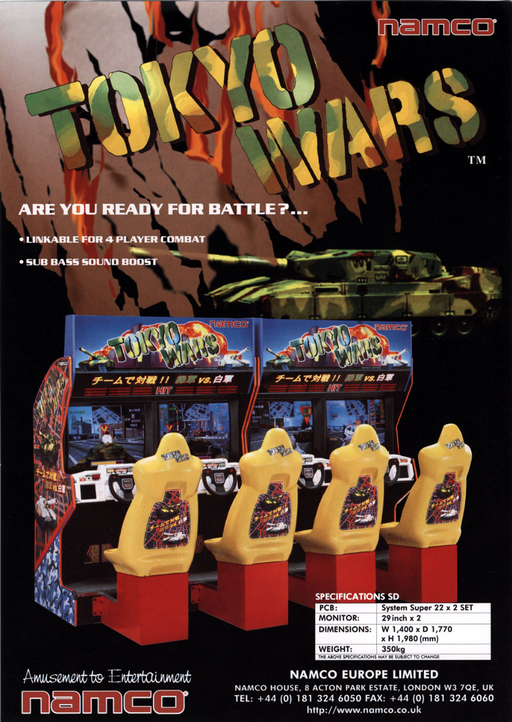 Tokyo WarsArcade · Linux · WindowsPlayable Start To FinishRuns On Steam DeckWidescreenOnline PlayLocal Multiplayer
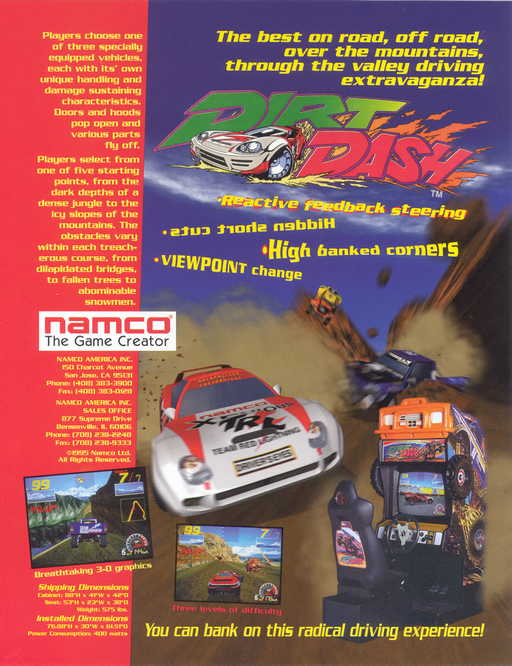 Dirt DashArcade · Linux · WindowsPlayable Start To FinishRuns On Steam DeckWidescreenOnline PlayLocal Multiplayer