Games · GameCube
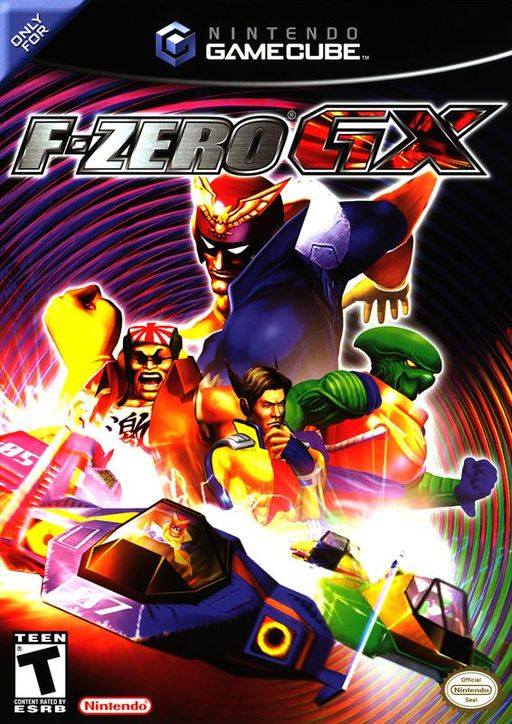
F-Zero GX (F-ZERO GLINUX)
- Console
- GameCube
- Project
- F-ZERO-GLINUX
- Runs On
- Linux · Windows
- Version
- v0.9.4 - v0.9 is out; Decomp Buddy installs it once it has passed the malware scan
- Completeness
- Not Playable Yet - “WIP, Issues may occur, blame the robots... but if it works its all thanks to me.”
- What It Adds
- 60 FPS - “PAL boots with 60Hz (EuRGB60) enabled for full 60 FPS gameplay.” · Widescreen - “Native widescreen: use GX's own Screen Mode setting for 16:9.” · HD - “Nine resolution presets: 480p, Steam Deck-sized 800p, 720p, 1080p, 1080p Ultrawide (2560×1080), 1440p, 1440p Ultrawide (3440×1440), 4K and 4K Ultrawide (5120×2160).” · Mods - “Mods: add HD texture packs and Dolphin graphics mods from any folder.” · Online Play - “Online play: host a room and share a 4-word room code; no IP addresses needed.” · Local Multiplayer - “Split screen for up to 4 players. Every player sees the same shared”
Made By
 Mabec-games
 siahisaforker
 MrPoloGit
 dreamsailing59-ops
Safety Report
- Malware Scan
- Scanned with ClamAV 1.5.4 on Nov 12, 2026: no known malware in its 2 downloads. Decomp Buddy only installs those exact files - if the project swaps one, it waits for a new scan.
- Uploaded By
- The project's owner
- License
- Not stated by the project
- Account
- On GitHub since May 2022
Install
Get Game
Nothing happened? You need Decomp Buddy first. It's free: Get Decomp Buddy, open it once, then press Install again.
Decomp Buddy never hosts or downloads the original game. It sets up F-ZERO-GLINUX and tells you exactly which file of yours to drop in - then checks it's the right one. A ready-made plan is published for this one, so no AI key is needed. This is a community project: we check it, but we can't guarantee it.
Made this? Get a Listed On Decomp Buddy badge for your README.