

Games · PlayStation 2

Galaxy Angel II: Eigou Kaiki no Toki
- ReleasedNov 13, 2026
- Versionv0.11.0Scanned Clean
How It Runs
Played it? The app asks how a game ran when you close it, and your report shows here.
- Console
- PlayStation 2
- Project
- Galaxy-Ange-II-PC
- Runs On
- Linux · Windows
- Version
- v0.11.0, Nov 13, 2026
- AI Use
- AI-Assistance Not Known
- What It Adds
- 60 FPS - “more to the sides), and frame rates up to 240 fps at the original game” · Widescreen - “A battle on a 3440x1440 ultrawide display: borderless fullscreen at the display's own shape, the wider 3D view drawn with its own detail (not stretched), and the HD battle graphics.” · HD - “2x and 4x internal resolution, widescreen up to 21:9 (the 3D scenes show” · Mods - “Mods: replacement files and HD textures (docs/MODDING.md).”
- Collection
- One of 3 games in the same repository.
How To Set Up
You Bring
- Eigou Kaiki no Toki disc image (disc 1) - Your own .iso disc image of the Japanese PlayStation 2 release. Drag it onto the launcher window, or put it in the isos folder of the data folder; each disc is checked once and remembered.
- Eigou Kaiki no Toki disc image (disc 2) - Your own .iso disc image of the Japanese PlayStation 2 release. Drag it onto the launcher window, or put it in the isos folder of the data folder; each disc is checked once and remembered.
The First Time It Starts
- Extract the release and run ga2.exe.
- Drag your .iso files onto the window, or put them in the isos folder of the data folder.
- Pick a game.
Decomp Buddy does the downloading and unpacking for you. These notes are condensed from the project's own instructions, for Windows PC.
Made By
 ObeseCatLord
Safety Report
- Malware Scan
- Scanned with ClamAV 1.5.4 on Nov 19, 2026: no known malware in its 2 downloads. Decomp Buddy only installs those exact files - if the project swaps one, it waits for a new scan.
- Uploaded By
- The project's own automatic build on GitHub
- License
- GNU General Public License v3.0
- Account
- On GitHub since December 2013
Install
Get Game
Nothing happened? You need Decomp Buddy first. It's free: Get Decomp Buddy, open it once, then press Install again.
Decomp Buddy never hosts or downloads the original game. It sets up Galaxy-Ange-II-PC and tells you exactly which file of yours to drop in - then checks it's the right one. A ready-made plan is published for this one, so no AI key is needed. This is a community project: we check it, but we can't guarantee it.
Made this? Get a Listed On Decomp Buddy badge for your README.
Other Ports Of This Game
More Like This
 Jak & DaxterPlayStation 2 · Linux · macOS · WindowsPlayable Start To Finish
 Downhill DominationPlayStation 2 · Windows60 FPSWidescreenMods
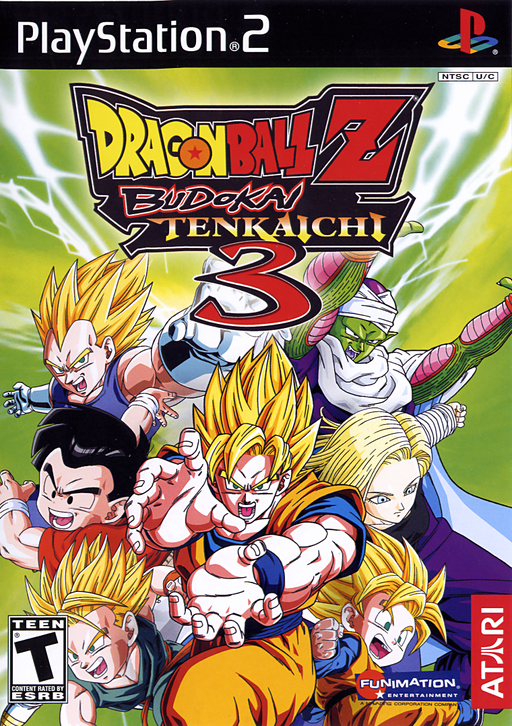 Dragon Ball Z: Budokai Tenkaichi 3PlayStation 2 · Tenkaichi3Decomp · Windows · LinuxPlayable Start To Finish
 Dragon Ball Z: Budokai Tenkaichi 4 (BT4 Tag Team)PlayStation 2 · WindowsPre-releaseHDModsOnline Play
 Ratchet & Clank (OpenRAC)PlayStation 2 · Linux · macOS · WindowsMods
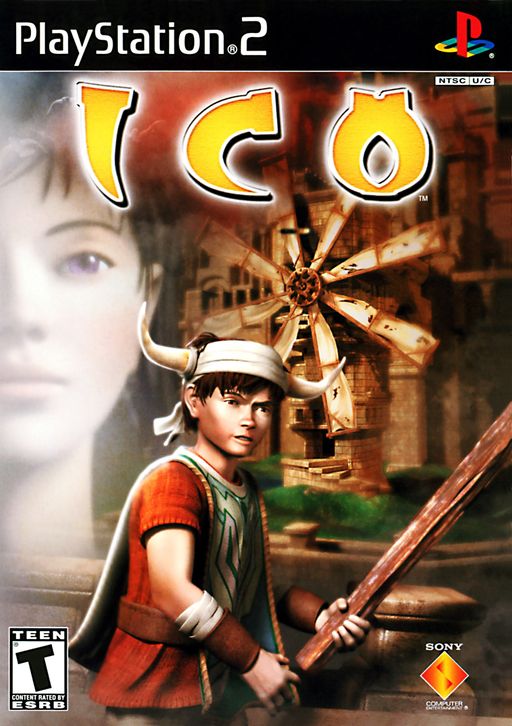 IcoPlayStation 2 · Windows · Linux · Android · iOSRuns On Steam Deck