

Games · Nintendo Switch 2
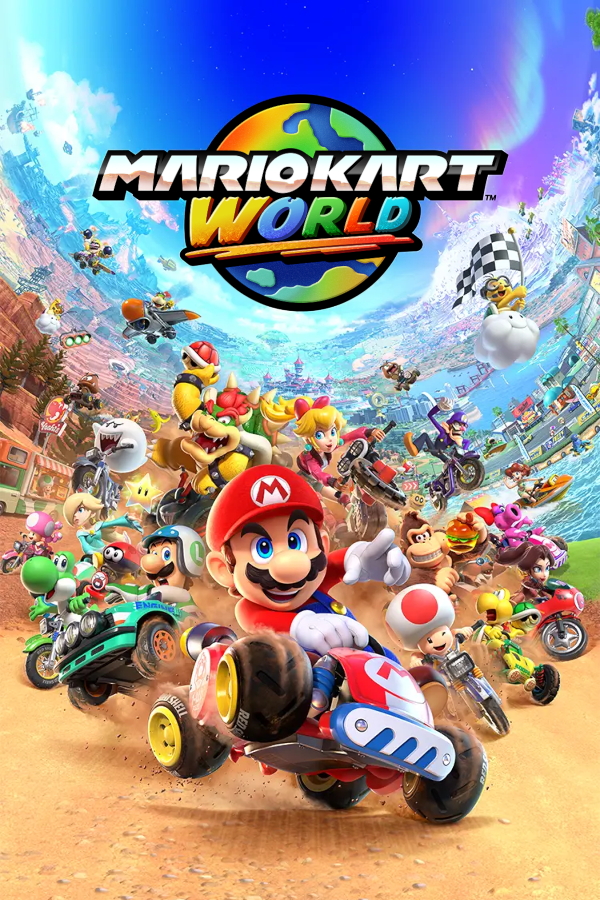
Mario Kart World (BlueShell)
Source On GitHubItsNotRexed/Blueshell- ReleasedNov 20, 2026
- Downloads650
- Versionv1.0.1Scanned Clean
- GitHub Stars120
How It Runs
Played it? The app asks how a game ran when you close it, and your report shows here.
- Console
- Nintendo Switch 2
- Project
- Blueshell
- Runs On
- Windows
- Version
- v1.0.1, Nov 20, 2026
- AI Use
- AI-Assistance Not Known
- What It Adds
- 60 FPS - “| | Game frame rate cap | 60, 90, 120, 144, 165, 240 FPS, Uncapped, 30 FPS (after a restart) | 60 FPS |” · Widescreen - “| | Aspect ratio | The shapes your screen's resolutions have, narrowest first (5:4, 4:3, 16:10, 16:9, 21:9, 32:9, ...), your monitor's own marked "(monitor's)" (after a restart) | Your monitor's |” · HD - “| | Output resolution | The Aspect ratio's sizes: your screen's resolutions and the common ones (1440p, 4K, 5K at 16:9; 1920x1200, 2560x1600 at 16:10; 3440x1440 at 21:9; ...), and 2048x1152 (the game's own) at 16:9 (afte” · Mods - “Put mods in the game folder's mods folder, in the layout emulators use (mods/<name/romfs/...).”
How To Set Up
You Bring
- Mario Kart World dump (Switch 2) - Your own dump of Mario Kart World: a .nup, or its romfs and exefs folders. Pick it in the BlueShell Builder.
The First Time It Starts
- Download BlueShellBuilder.exe from the release and run it; it installs the Builder (it downloads its own parts and the compiler, no Visual Studio needed).
- Point the Builder at your dump (.nup, or the romfs and exefs folders) and choose a game folder. Optionally choose a save folder, Unlock everything and the 100% save.
- Press Build (the first build takes a while), then press Play.
- In game, Insert, F1 or Esc opens the in-game menu.
Decomp Buddy does the downloading and unpacking for you. These notes are condensed from the project's own instructions, for Windows PC.
Made By
hckrman101
klimovich008
monsterlag
Arkex-ai
jarynclouatre
jordanella
notrexedalt3
mooki000
shayderrr
SadTransGirl
gab9281
bronze-ff
Safety Report
- Malware Scan
- Scanned with ClamAV 1.5.5 on Nov 27, 2026: no known malware in its download. Decomp Buddy only installs those exact files - if the project swaps one, it waits for a new scan.
- Uploaded By
- The project's owner
- License
- GNU General Public License v3.0
- Account
- On GitHub since July 2026
Install
Get Game
Nothing happened? You need Decomp Buddy first. It's free: Get Decomp Buddy, open it once, then press Install again.
Decomp Buddy never hosts or downloads the original game. It sets up Blueshell and tells you exactly which file of yours to drop in - then checks it's the right one. A ready-made plan is published for this one, so no AI key is needed. This is a community project: we check it, but we can't guarantee it.
Made this? Get a Listed On Decomp Buddy badge for your README.
More Like This
Mario Kart World (mkw-recomp)Nintendo Switch 2 · mkw-recomp · Windows · LinuxNot Playable Yet60 FPSWidescreenHD Pokémon Pokopia (Recompia)Nintendo Switch 2 · Windows · Linux · macOSRuns On Steam DeckHDMods
 The Legend of Zelda: Ocarina of Time Remake (Project ReLink)Nintendo Switch 2 · WindowsPre-release60 FPSWidescreenHD
 Donkey Kong Bananza (DKB Recomp)Nintendo Switch 2 · macOS · Linux · WindowsNot Playable YetHD