

Games · Xbox
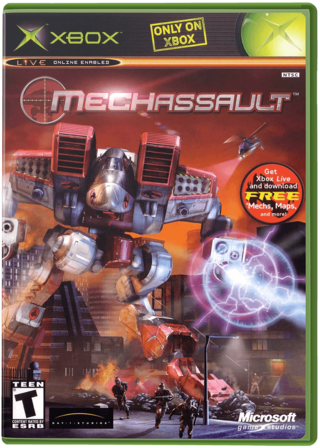
- ReleasedNov 28, 2026
- Versionv0.1.3Scanned Clean
How It Runs
Played it? The app asks how a game ran when you close it, and your report shows here.
- Console
- Xbox
- Project
- MechAssault-PC-Recomp
- Runs On
- Windows
- Version
- v0.1.3 - v0.1.2 is out; Decomp Buddy installs it once it has passed the malware scan
- AI Use
- AI-Assistance Not Known
How To Set Up
You Bring
- MechAssault (USA) (En,Fr,De) (Rev 1) disc image or extracted folder - Your own Xbox disc image (including .xiso.iso) or the extracted game folder that directly contains default.xbe and the original data (Audio, media, Movie and the mission data files). Disc images are read in place, so keep the file available while playing.
The First Time It Starts
- Extract the entire zip into a writable folder (for example Documents\MechAssault-PC).
- Run MechAssault.exe to open the launcher and select your disc image or extracted game folder.
- Click Play; wait for the compiler window to build MechAssault.dll on the first launch, then click its Start button.
Decomp Buddy does the downloading and unpacking for you. These notes are condensed from the project's own instructions, for Windows PC.
Made By
 Ss7GoKu2000
Safety Report
- Malware Scan
- Scanned with ClamAV 1.5.5 on Nov 28, 2026: no known malware in its download. Decomp Buddy only installs those exact files - if the project swaps one, it waits for a new scan.
- Uploaded By
- The project's owner
- License
- Not stated by the project
- Account
- On GitHub since April 2014
Install
Get Game
Nothing happened? You need Decomp Buddy first. It's free: Get Decomp Buddy, open it once, then press Install again.
Decomp Buddy never hosts or downloads the original game. It sets up MechAssault-PC-Recomp and tells you exactly which file of yours to drop in - then checks it's the right one. A ready-made plan is published for this one, so no AI key is needed. This is a community project: we check it, but we can't guarantee it.
Made this? Get a Listed On Decomp Buddy badge for your README.
Other Ports Of This Game
More Like This
 BlackXbox · Black-Android · Android
 Need for Speed: Most Wanted (Black Edition)Xbox · MostWanted-Android · AndroidPartly Playable60 FPSMods
 Dead or Alive Xtreme Beach VolleyballXbox · doaxvb-re · WindowsPlayable Start To Finish60 FPSRay Tracing
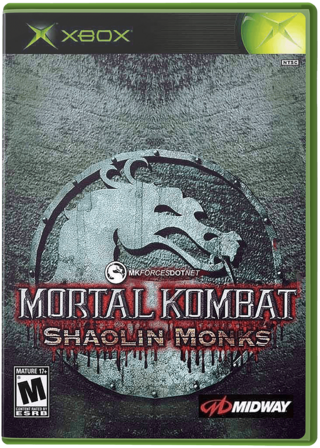 Mortal Kombat: Shaolin MonksXbox · ShaolinMonks-Android · AndroidNot Playable Yet
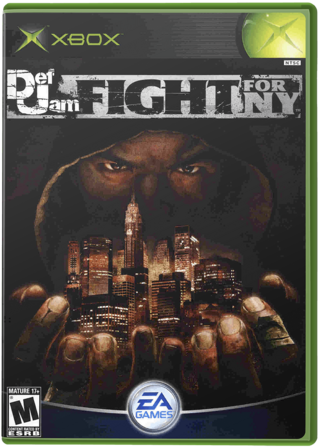 Def Jam: Fight for NYXbox · Def-Jam-Android-Native-Port · Android
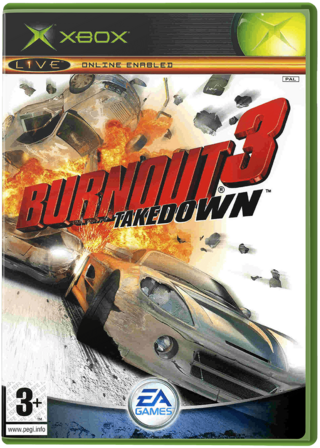 Burnout 3: Takedown (Takedawn)Xbox · Windows · Linux · macOSSteam Deck Verified60 FPSWidescreenHD