

Games · Game Boy Advance
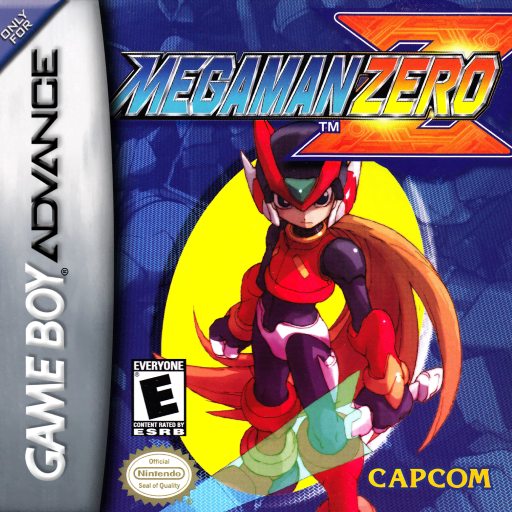
Mega Man Zero
Source On GitHubmstan/MegaManZeroRecomp- ReleasedAug 29, 2026
- Downloads3.6K
- Versionv0.0.13Scanned Clean
- GitHub Stars28
How It Runs
Played it? The app asks how a game ran when you close it, and your report shows here.
- Console
- Game Boy Advance
- Project
- MegaManZeroRecomp
- Runs On
- Windows
- Version
- v0.0.13 - v0.0.6 is out; Decomp Buddy installs it once it has passed the malware scan
- AI Use
- AI-Assistance Not Known
- What It Adds
- Widescreen - “Adaptive Widescreen (Display)” · Mods - “The launcher's Mods page lists game-owned enhancements.”
How To Set Up
You Bring
- Mega Man Zero ROM - Your own legally obtained Mega Man Zero (USA, revision 0) ROM image
- GBA BIOS dump - Your own legally obtained Game Boy Advance BIOS dump
The First Time It Starts
- Extract MegaManZeroRecomp-windows-x64-v0.0.6.zip
- Run MegaManZeroRecomp.exe
- Select your Mega Man Zero (USA, revision 0) ROM when prompted
- Select your GBA BIOS dump when prompted
- Paths are cached for future launches
Decomp Buddy does the downloading and unpacking for you. These notes are condensed from the project's own instructions, for Windows PC.
Made By
 mstan
Safety Report
- Malware Scan
- Scanned with ClamAV 1.5.4 on Nov 14, 2026: no known malware in its download. Decomp Buddy only installs those exact files - if the project swaps one, it waits for a new scan.
- Uploaded By
- The project's owner
- License
- Not stated by the project
- Account
- On GitHub since August 2013
Install
Get Game
Nothing happened? You need Decomp Buddy first. It's free: Get Decomp Buddy, open it once, then press Install again.
Decomp Buddy never hosts or downloads the original game. It sets up MegaManZeroRecomp and tells you exactly which file of yours to drop in - then checks it's the right one. A ready-made plan is published for this one, so no AI key is needed. This is a community project: we check it, but we can't guarantee it.
Made this? Get a Listed On Decomp Buddy badge for your README.
Other Ports Of This Game
More Like This
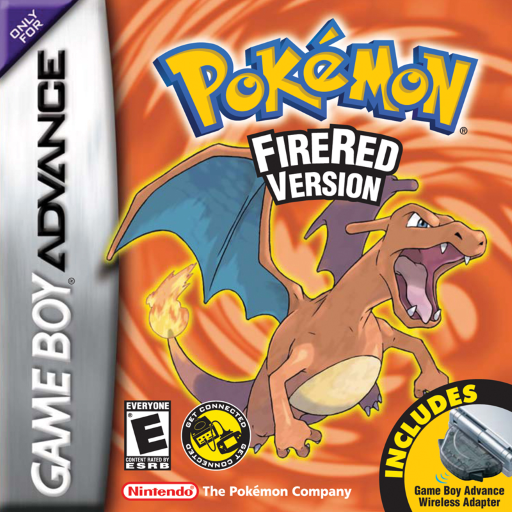 Pokémon FireRedGame Boy Advance · Gen1Recomp · Windows · Linux · macOS · Android · iOS · Switch
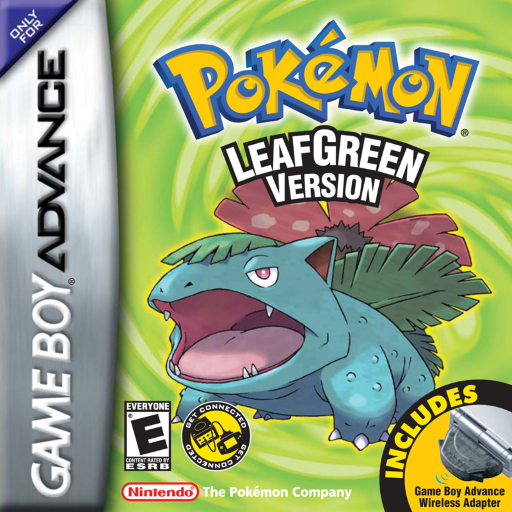 Pokémon LeafGreenGame Boy Advance · Gen1Recomp · Windows · Linux · macOS · Android · iOS · Switch
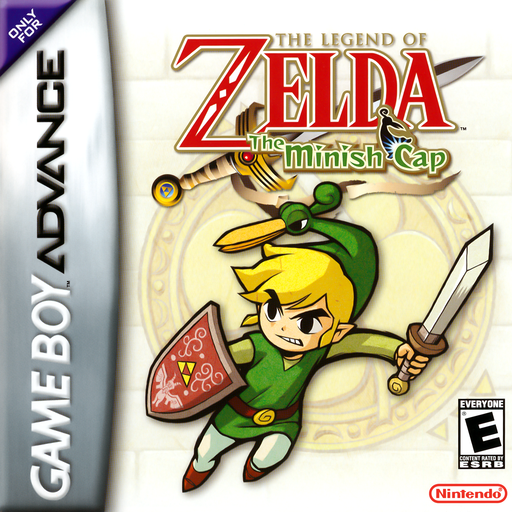 The Legend of Zelda: The Minish CapGame Boy Advance · zelda-tmc-3ds · 3DS · WindowsWidescreen
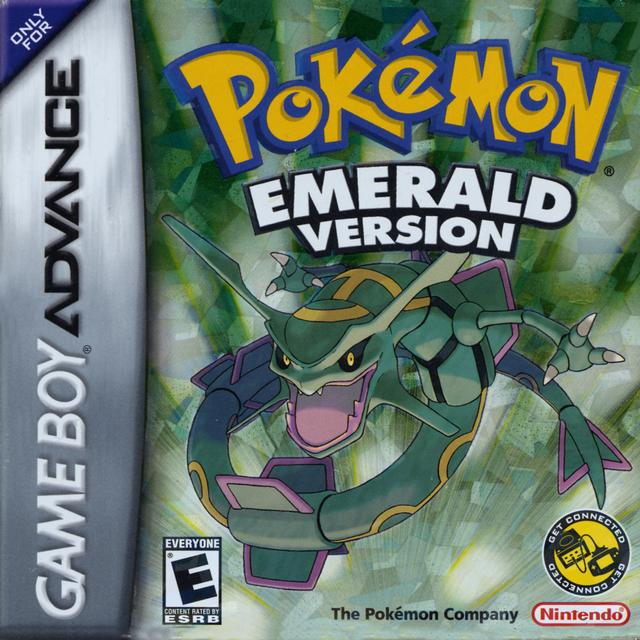 Pokemon Emerald (Emerald 3DS)Game Boy Advance · 3DS · Windows
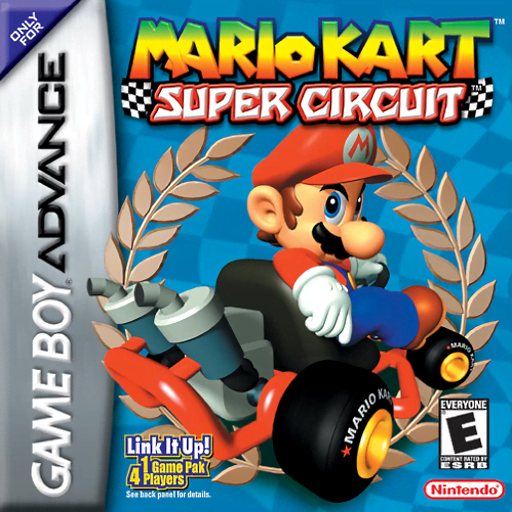 Mario Kart: Super CircuitGame Boy Advance · WindowsPre-releasePokémon EmeraldGame Boy Advance · EmeraldRecomp · WindowsPartly PlayableWidescreenModsOnline Play