
Games · Nintendo Switch

MLB The Show 26 (Fastball)
Source On GitHubsam110411/fastball- ReleasedNov 22, 2026
- Downloads7.2K
- Versionv0.2.1Scanned Clean
- GitHub Stars57
How It Runs
Played it? The app asks how a game ran when you close it, and your report shows here.
- Console
- Nintendo Switch
- Project
- fastball
- Runs On
- Windows
- Version
- v0.2.1 - v0.2.0 is out; Decomp Buddy installs it once it has passed the malware scan
- Completeness
- Playable Start To Finish - “Playable offline.”
- AI Use
- AI-Assistance Not Known
- What It Adds
- 60 FPS - “- Frame rate limit from 30 to 240 fps or the monitor's rate, at the game's normal speed”
How To Set Up
You Bring
- MLB The Show 26 base game (NSP) - The base game dumped as an .nsp file from your own Nintendo Switch.
- MLB The Show 26 update 1.0.20 (or 1.0.15) (NSP) - The 1.0.20 update (the latest) or the 1.0.15 update, dumped as an .nsp file from your own Switch. Other versions are not supported.
- Switch keys (prod.keys and title.keys) - Your own prod.keys and title.keys. By default the tools read them from %APPDATA%/Ryujinx/system/.
The First Time It Starts
- Unpack Fastball-0.2.0-windows.zip where you want the game to live (about 40 GB is needed there) and start Fastball.exe.
- Check the game files and keys the setup found, pick anything missing, and press Install.
- After about 10 minutes, press Play. From then on Fastball.exe starts the game straight away (hold Shift while starting it for the window with updates, repair and save import).
Decomp Buddy does the downloading and unpacking for you. These notes are condensed from the project's own instructions, for Windows PC.
Made By
 sam110411
 987G
 elripalda
 jrc03
Safety Report
- Malware Scan
- Scanned with ClamAV 1.5.5 on Nov 24, 2026: no known malware in its download. Decomp Buddy only installs those exact files - if the project swaps one, it waits for a new scan.
- Uploaded By
- The project's owner
- License
- MIT License
- Account
- On GitHub since June 2022
Install
Get Game
Nothing happened? You need Decomp Buddy first. It's free: Get Decomp Buddy, open it once, then press Install again.
Decomp Buddy never hosts or downloads the original game. It sets up fastball and tells you exactly which file of yours to drop in - then checks it's the right one. A ready-made plan is published for this one, so no AI key is needed. This is a community project: we check it, but we can't guarantee it.
Made this? Get a Listed On Decomp Buddy badge for your README.
More Like This
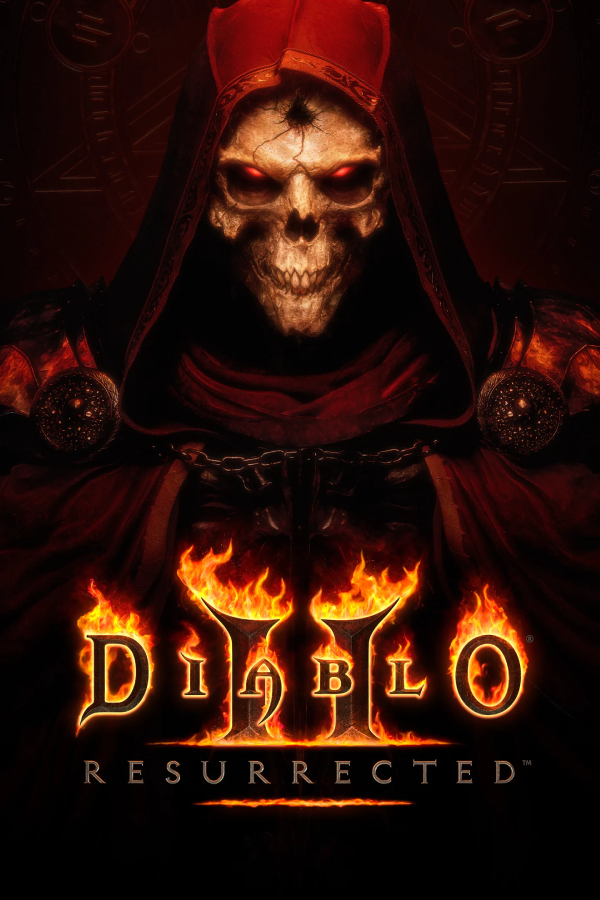 Diablo II: Resurrected (D2R Mobile)Nintendo Switch · AndroidPlayable Start To Finish
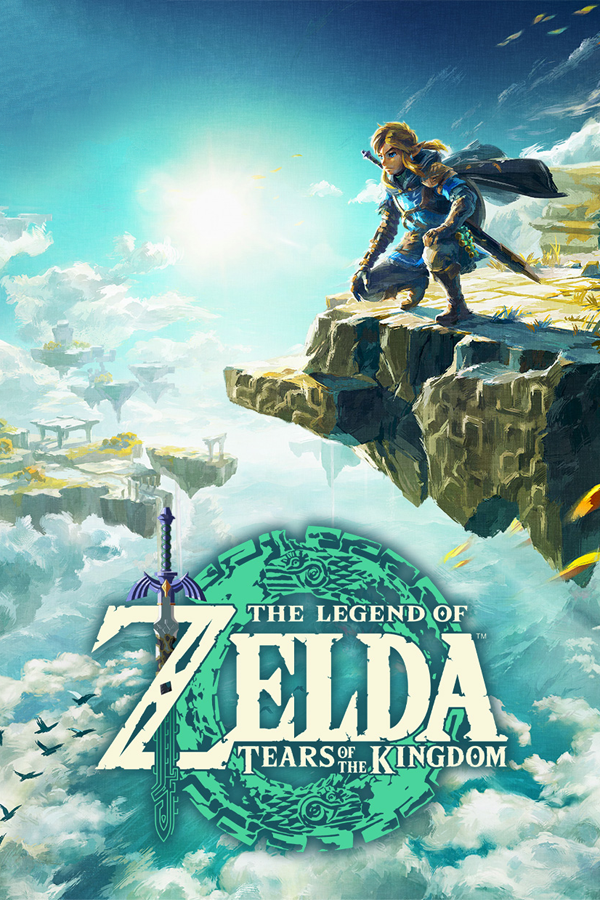 The Legend of Zelda: Tears of the Kingdom (TotK Recomp)Nintendo Switch · WindowsPartly Playable60 FPSWidescreenHD
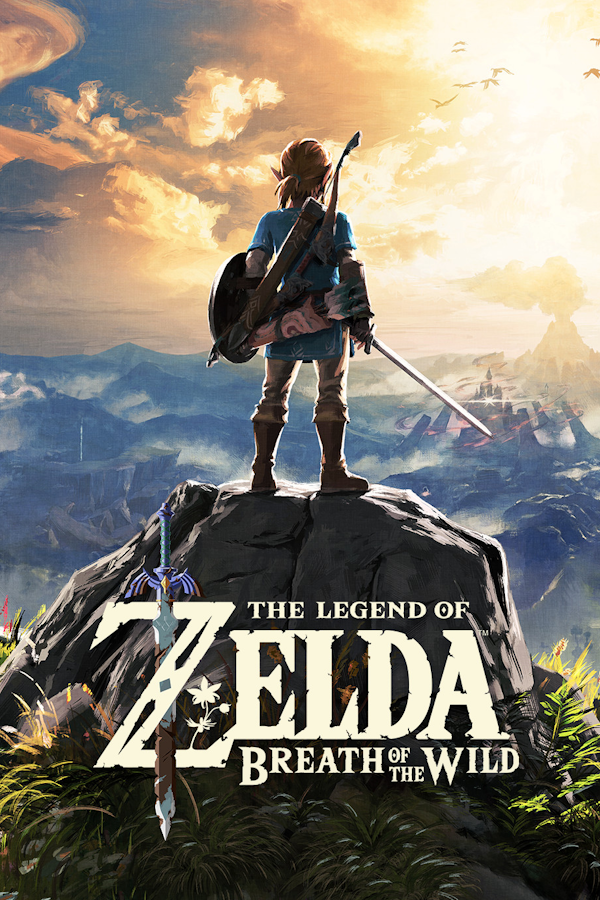 The Legend of Zelda: Breath of the WildNintendo Switch · BOTWRecompAndroid · AndroidPartly PlayablePre-release60 FPSWidescreenHD
 Pokémon: Let's Go, Eevee!Nintendo Switch · WindowsPlayable Start To Finish60 FPSHDMods
 Pokémon: Let's Go, Pikachu!Nintendo Switch · WindowsPlayable Start To Finish60 FPSHDMods
 Super Smash Bros. Ultimate (OpenSmash-Ultimate)Nintendo Switch · WindowsPre-releaseModsOnline Play