

Games · Xbox 360
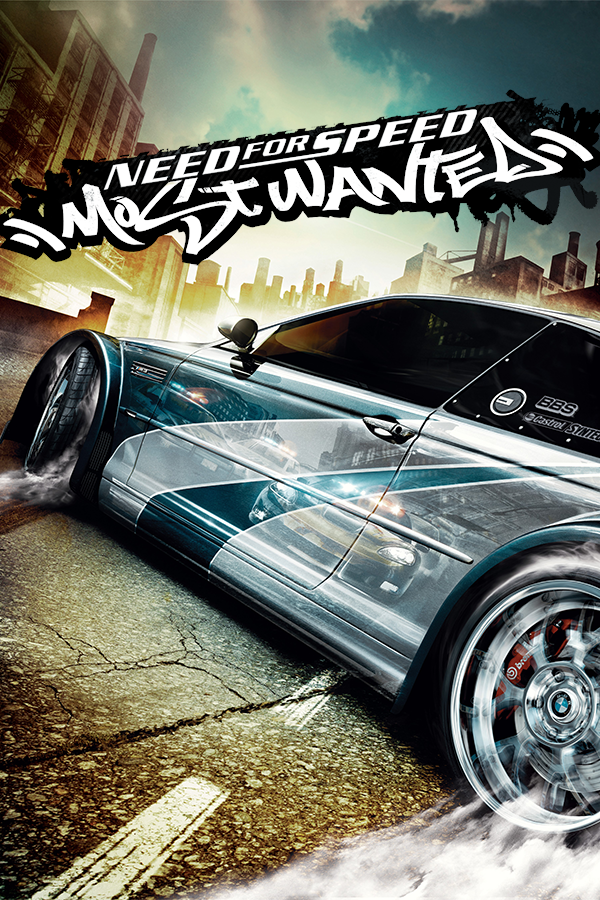
Need for Speed: Most Wanted (SpeedBreaker)
Source On GitHubSpeedBreakerProject/speedbreaker- ReleasedOct 11, 2026
- Downloads29.1K
- Versionv0.2.7Scanned Clean
- GitHub Stars730
How It Runs
Played it? The app asks how a game ran when you close it, and your report shows here.
- Console
- Xbox 360
- Project
- speedbreaker
- Runs On
- macOS
- Version
- v0.2.7 - v0.1.3 is out; Decomp Buddy installs it once it has passed the malware scan
- Steam Deck
- Steam Deck Verified - “Steam Deck OLED (SteamOS 3.9.2). Steam Machine (SteamOS 3.8) on a 3440x1440 ultrawide. The Steam Deck LCD hasn't been tested yet.”
- AI Use
- AI-Assistance Not Known
- What It Adds
- 60 FPS - “Smooth Motion (up to 120 fps)” · Widescreen - “a wider view, not a stretched one, with the HUD and the mirror where they belong.” · HD - “Up to 4K. The 3D scene renders at 1x, 1.5x, 2x or 3x the console's 720p” · Local Multiplayer - “Two-player split screen (Quick Race Split Screen), with two controllers.”
How To Set Up
You Bring
- Need for Speed: Most Wanted (2005) Xbox 360 disc image - A backup of your own USA (NTSC-U, English) Xbox 360 disc of Need for Speed: Most Wanted (2005). The first-run installer finds it in ~/Games (or use Browse for image...), checks it is the right game and version, and copies and verifies every file.
The First Time It Starts
- Open SpeedBreaker-macos.dmg and drag SpeedBreaker to your Applications folder.
- Open it. It isn't notarized, so macOS refuses the first time: close that message, go to System Settings > Privacy & Security, click Open Anyway and confirm.
- Put your disc image in a Games folder in your home folder (~/Games), or use Browse for image....
- Install: the game goes to ~/Library/Application Support/SpeedBreaker/game, or a folder you choose with Choose a folder.... Allow folder access if macOS asks.
- Race. Settings open with F1 or Cmd+, (Back + Start on a controller).
Decomp Buddy does the downloading and unpacking for you. These notes are condensed from the project's own instructions, for Mac (Apple Silicon).
Safety Report
- Malware Scan
- Scanned with ClamAV 1.5.5 on Nov 25, 2026: no known malware in its download. Decomp Buddy only installs those exact files - if the project swaps one, it waits for a new scan.
- Uploaded By
- ProjectUgarte, who uploaded this project's earlier releases
- License
- GNU General Public License v3.0
- Account
- On GitHub since October 2026
Install
Get Game
Nothing happened? You need Decomp Buddy first. It's free: Get Decomp Buddy, open it once, then press Install again.
Decomp Buddy never hosts or downloads the original game. It sets up speedbreaker and tells you exactly which file of yours to drop in - then checks it's the right one. A ready-made plan is published for this one, so no AI key is needed. This is a community project: we check it, but we can't guarantee it.
Made this? Get a Listed On Decomp Buddy badge for your README.
Other Ports Of This Game
More Like This
 Sonic UnleashedXbox 360 · UnleashedRecomp · Windows · LinuxRuns On Steam Deck60 FPSWidescreenHD
 Tekken 6Xbox 360 · Tekken6-native-online · Windows
 Lost OdysseyXbox 360 · LostOdysseyRecomp · WindowsRuns On Steam Deck
 Midnight Club: Los Angeles (mcla-recomp)Xbox 360 · Windows60 FPSHD
 Skate 3Xbox 360 · skate3recomp · Windows · Linux · macOSMostly PlayableWidescreenNeed for Speed: Most WantedXbox 360 · NFSMW Android Evolved · AndroidHD