

Games · Xbox
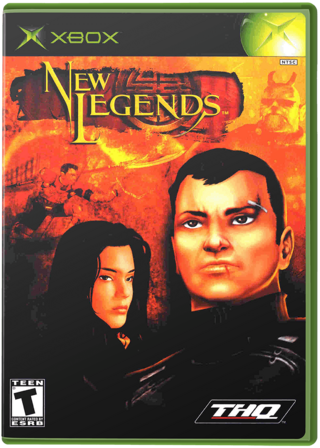
New Legends
- ReleasedNov 18, 2026
- Versionv0.9.0Scanned Clean
How It Runs
Played it? The app asks how a game ran when you close it, and your report shows here.
- Console
- Xbox
- Project
- New-Legends-Recomp
- Runs On
- Windows
- Version
- v0.9.0 (pre-release), Nov 18, 2026
- AI Use
- AI-Assistance Not Known
How To Set Up
You Bring
- New Legends (USA) disc - Your own New Legends (USA) disc for the original Xbox, as a disc image (.iso or .xiso made from your disc) or as a folder with all files copied from it. A PC drive cannot read Xbox discs.
The First Time It Starts
- Unpack the zip into a folder of your own, for example C:\Games\New Legends Recomp.
- Start newlegends.exe.
- In the setup window click Choose disc image (pick your .iso / .xiso) or Choose folder with the game files.
- The game starts after setup; later use the shortcut or newlegends.exe.
Decomp Buddy does the downloading and unpacking for you. These notes are condensed from the project's own instructions, for Windows PC.
Made By
 mkalkhoven-po
Safety Report
- Malware Scan
- Scanned with ClamAV 1.5.4 on Nov 19, 2026: no known malware in its download. Decomp Buddy only installs those exact files - if the project swaps one, it waits for a new scan.
- Uploaded By
- The project's owner
- License
- Not stated by the project
- Account
- On GitHub since September 2025
Install
Get Game
Nothing happened? You need Decomp Buddy first. It's free: Get Decomp Buddy, open it once, then press Install again.
Decomp Buddy never hosts or downloads the original game. It sets up New-Legends-Recomp and tells you exactly which file of yours to drop in - then checks it's the right one. A ready-made plan is published for this one, so no AI key is needed. This is a community project: we check it, but we can't guarantee it.
Made this? Get a Listed On Decomp Buddy badge for your README.
More Like This
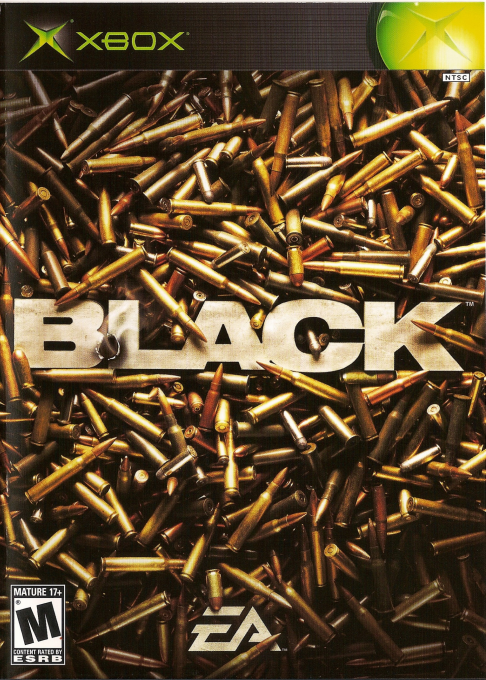 BlackXbox · Black-Android · Android
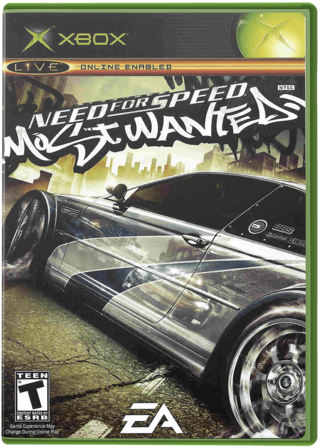 Need for Speed: Most Wanted (Black Edition)Xbox · MostWanted-Android · AndroidPartly Playable60 FPSMods
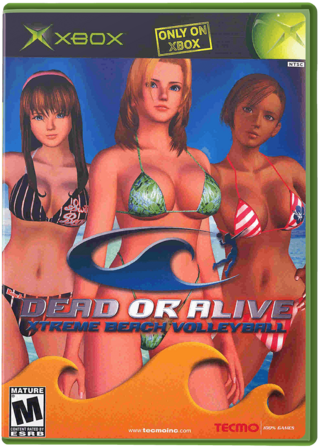 Dead or Alive Xtreme Beach VolleyballXbox · doaxvb-re · WindowsPlayable Start To FinishRay Tracing
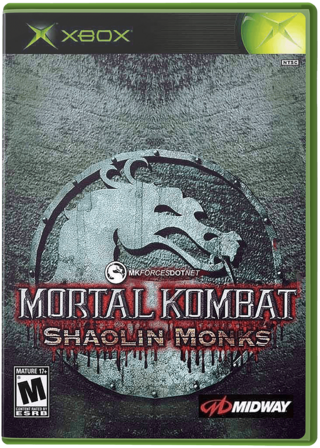 Mortal Kombat: Shaolin MonksXbox · ShaolinMonks-Android · AndroidNot Playable Yet
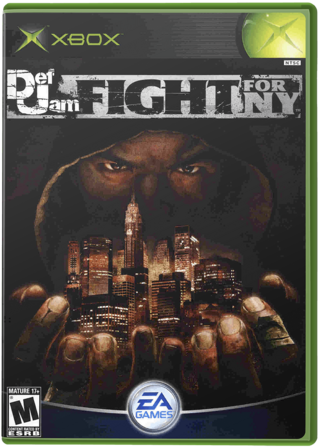 Def Jam: Fight for NYXbox · Def-Jam-Android-Native-Port · Android
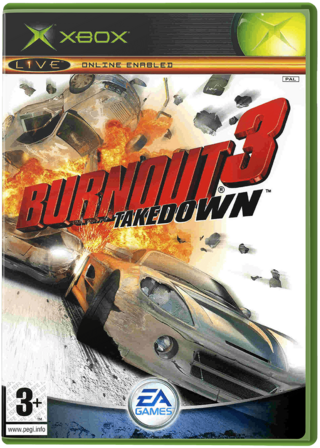 Burnout 3: Takedown (Takedawn)Xbox · Windows · Linux · macOSSteam Deck Verified60 FPSWidescreenHD