

Games · Game Boy
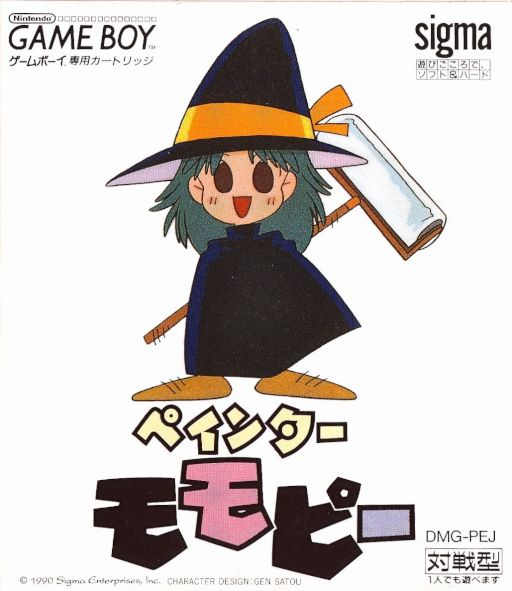
Painter Momopie
- ReleasedNov 24, 2026
- Versionv1.0
How It Runs
Played it? The app asks how a game ran when you close it, and your report shows here.
- Console
- Game Boy
- Project
- Painter-Momopi-Decompilation
- Runs On
- Windows
- Version
- v1.0, Nov 24, 2026
- AI Use
- AI-Assistance Not Known
- What It Adds
- Widescreen - “| Widescreen and no sprite limit | see more of the room (up to 240 pixels wide) and play without the flicker of the Game Boy's 40 sprite limit |” · Mods - “MUSIC custom songs, MODDING and PORTING for how the port works.”
How To Set Up
You Bring
- Painter Momopie ROM (Japan) - A .gb ROM of the Japanese original (Sigma Enterprises, 1990) from a cartridge you own. It is used to build the game on your PC.
The First Time It Starts
- After build.bat finishes, open the PainterMomopie/ folder.
- Run game_win.exe to play, or settings.exe for every option, or level_editor.exe for the level editor.
Decomp Buddy does the downloading and unpacking for you. These notes are condensed from the project's own instructions, for Windows PC.
Made By
 Tenome
Safety Report
- License
- MIT License
- Account
- On GitHub since May 2015
Install
Get Game
Nothing happened? You need Decomp Buddy first. It's free: Get Decomp Buddy, open it once, then press Install again.
Decomp Buddy never hosts or downloads the original game. It sets up Painter-Momopi-Decompilation and tells you exactly which file of yours to drop in - then checks it's the right one. A ready-made plan is published for this one, so no AI key is needed. This is a community project: we check it, but we can't guarantee it.
Made this? Get a Listed On Decomp Buddy badge for your README.
More Like This
 Pokémon Red and BlueGame Boy · Gen1Recomp · Windows · Linux · macOS · Android · iOS · Switch
 Wario Land: Super Mario Land 3Game Boy · Linux · Windows60 FPSWidescreenHD
 Super Mario Land 2: 6 Golden Coins (Six Golden Coins)Game Boy · Windows · Linux · macOS60 FPSWidescreenMods
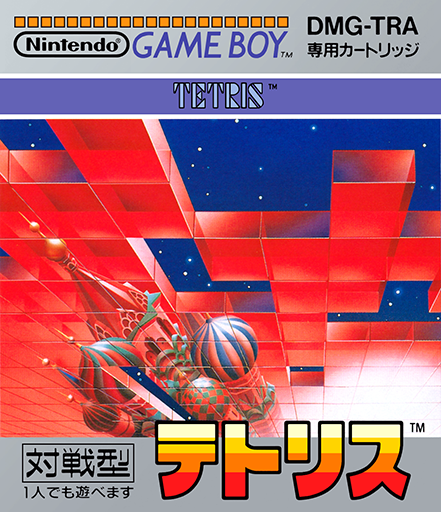 TetrisGame Boy · Windows · Linux · macOSPlayable Start To FinishSuper Mario Land 2: 6 Golden Coins (SuperMarioLand2Recomp)Game Boy · Windows · LinuxWidescreenMods
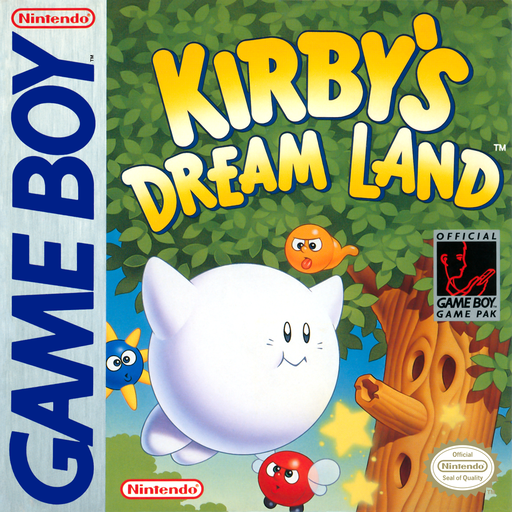 Kirby's Dream LandGame Boy · Windows