

Games · GameCube
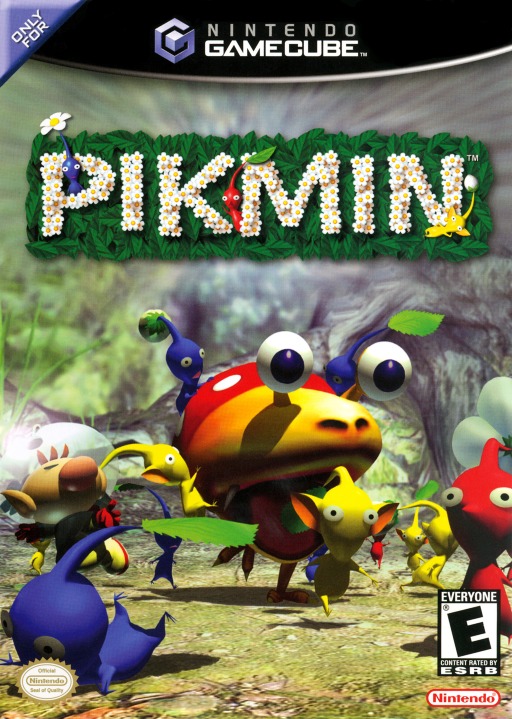
Pikmin
- ReleasedSep 15, 2026
- Downloads39.1K
- Version1.3Scanned Clean
- GitHub Stars320
How It Runs
Played it? The app asks how a game ran when you close it, and your report shows here.
- Console
- GameCube
- Project
- Open-Nectar---Pikmin-Native-PC-Mobile-Port
- Runs On
- Linux · Windows · Android
- Version
- 1.3 - 0.6 is out; Decomp Buddy installs it once it has passed the malware scan
- Completeness
- Mostly Playable - “Most of the game playable from start to finish”
- AI Use
- AI-Assisted
- What It Adds
- 60 FPS - “- 30, 60 and 120 FPS, or your monitor's refresh rate: gameplay keeps the” · Widescreen - “- Widescreen: the HUD is laid out for 16:9 rather than stretched, and the” · HD - “game is installed, then HD textures (downloads the community HD texture” · Mods - “- Optional mods shared with Pikmin 1: swarm at the cursor, Better” · Local Multiplayer - “- Local co-op: Olimar and Louie, two controllers, split screen that can”
How To Set Up
You Bring
- Pikmin disc image - A dump of your own Pikmin GameCube disc: Pikmin USA Rev 1 (GPIE01, revision 1) or Pikmin Europe (GPIP01, revision 0). The launcher asks for it on install, verifies it and extracts the assets; the image itself is never copied or modified.
The First Time It Starts
- Extract nectar-windows.zip anywhere (no installer; nothing is written outside the chosen folder) and run nectar-launcher.exe. If SmartScreen warns, choose More info -> Run anyway (the exe files are unsigned).
- Press Install under the Pikmin cover, choose your Pikmin disc image and then a folder to install into. The launcher verifies the image, extracts the assets (about 650 MB) into that folder and starts the game.
- From then on open nectar-launcher.exe in the installation folder and click the Pikmin cover to play. Press F1 in game for graphics, controls and gameplay settings.
Decomp Buddy does the downloading and unpacking for you. These notes are condensed from the project's own instructions, for Windows PC.
Its project says AI tools helped with its code. “To make it clear: I'm a coder and I use claude as a tool not as a substitute.”
Rather not see AI-assisted games? Tick Hide AI-Assisted on the game list.
Made By
EpochFlame
Minty-Meeo
HeartPiece44
knakamura13
intns
PikHacker
cadmic
SSunnKing
cursoragent
Mr-Brocoli
r-burns
pish-pish
Safety Report
- Malware Scan
- Scanned with ClamAV 1.5.4 on Nov 11, 2026: no known malware in its 3 downloads. Decomp Buddy only installs those exact files - if the project swaps one, it waits for a new scan.
- Uploaded By
- The project's own automatic build on GitHub
- License
- Not stated by the project
- Account
- On GitHub since October 2024
Install
Get Game
Nothing happened? You need Decomp Buddy first. It's free: Get Decomp Buddy, open it once, then press Install again.
Decomp Buddy never hosts or downloads the original game. It sets up Open-Nectar---Pikmin-Native-PC-Mobile-Port and tells you exactly which file of yours to drop in - then checks it's the right one. A ready-made plan is published for this one, so no AI key is needed. This is a community project: we check it, but we can't guarantee it.
Made this? Get a Listed On Decomp Buddy badge for your README.
Other Ports Of This Game
More Like This
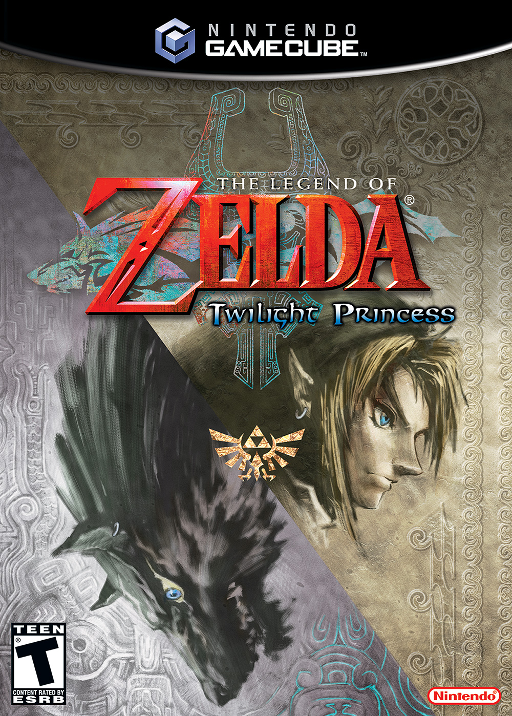 The Legend of Zelda: Twilight PrincessGameCube · Windows · Linux · macOS · Android
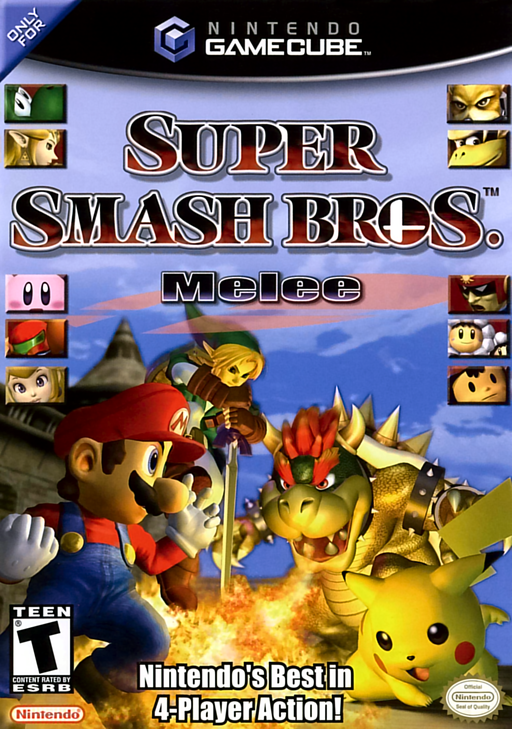 Super Smash Bros. MeleeGameCube · melee-pc · Windows · Linux · AndroidMostly Playable
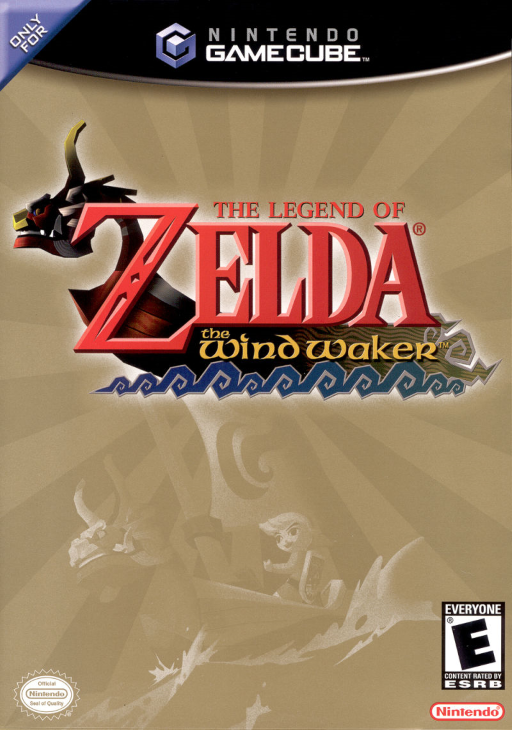 The Legend of Zelda: The Wind WakerGameCube · BlueWake · iOS · Windows · Linux60 FPSWidescreenHD
 Animal CrossingGameCube · ACGC-PC-Port · Windows
 Pikmin 2GameCube · Windows · Linux · AndroidPlayable Start To Finish
 Pokémon ColosseumGameCube · macOS · Windows · LinuxRuns On Steam DeckPre-release60 FPSWidescreenHD