

Games · Nintendo Switch

Pokémon Sword and Shield (SwSh Recomp)
Source On GitHubraulzrrs/swsh-recomp- ReleasedOct 22, 2026
- Downloads7.6K
- Versionv0.3.3Scanned Clean
- GitHub Stars74
How It Runs
Played it? The app asks how a game ran when you close it, and your report shows here.
- Console
- Nintendo Switch
- Project
- swsh-recomp
- Runs On
- Windows
- Version
- v0.3.3 (pre-release) - v0.1.0 is out; Decomp Buddy installs it once it has passed the malware scan
- Completeness
- Partly Playable - “yet, and the game hasn't been played from start to finish on this port.”
- AI Use
- AI-Assistance Not Known
- What It Adds
- 60 FPS - “- The game's 30 fps, or 60 fps for the whole game (like the community's 60 fps patch; experimental)” · HD - “- Native code; any internal resolution (2560x1440 and up, supersampled on smaller screens), any window size,” · Mods - “- Brightness, contrast and saturation; several mods at once (romfs, as LayeredFS: translations, textures)”
How To Set Up
You Bring
- Extracted Pokémon Sword or Shield game folder - Your own legally obtained copy of Pokémon Sword (or Shield), extracted into a folder with exefs and romfs (or a romfs.bin). Sword 1.3.2 with the 1.3.2 update applied to the extracted files is the most tested; Shield is recognized but not tested. .xci / .nsp files must be extracted first.
- Expansion Pass DLC data (optional) - Optional DLC data (The Isle of Armor, The Crown Tundra) from your own copy. Each DLC's RomFS has to be packed by hand into extracted/aoc/<data id>.bin; the launcher does not set it up yet.
The First Time It Starts
- Unzip SwShRecomp-<version>-windows.zip into a folder you can write to (not inside Program Files).
- Open SwShRecomp.exe (if Windows warns, More info, then Run anyway).
- Click Select game folder... and pick the folder with your extracted game (exefs and romfs).
- Wait while it copies the files and recompiles the game for your PC (once, takes a while), then click Play.
- On the first start the game's shaders are prepared for your GPU in the background (about 6 minutes on an 8-core CPU) and the game runs slower meanwhile.
Decomp Buddy does the downloading and unpacking for you. These notes are condensed from the project's own instructions, for Windows PC.
Made By
 raulzrrs
Safety Report
- Malware Scan
- Scanned with ClamAV 1.5.5 on Nov 21, 2026: no known malware in its download. Decomp Buddy only installs those exact files - if the project swaps one, it waits for a new scan.
- Uploaded By
- The project's owner
- License
- Not stated by the project
- Account
- On GitHub since October 2019
Install
Get Game
Nothing happened? You need Decomp Buddy first. It's free: Get Decomp Buddy, open it once, then press Install again.
Decomp Buddy never hosts or downloads the original game. It sets up swsh-recomp and tells you exactly which file of yours to drop in - then checks it's the right one. A ready-made plan is published for this one, so no AI key is needed. This is a community project: we check it, but we can't guarantee it.
Made this? Get a Listed On Decomp Buddy badge for your README.
Other Ports Of This Game
More Like This
 Diablo II: Resurrected (D2R Mobile)Nintendo Switch · AndroidPlayable Start To Finish
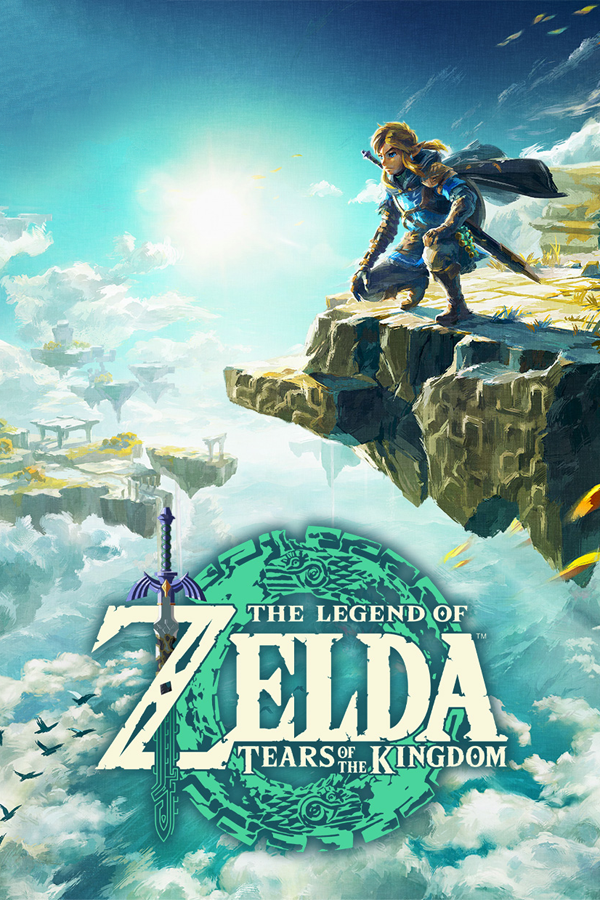 The Legend of Zelda: Tears of the Kingdom (TotK Recomp)Nintendo Switch · WindowsPartly Playable60 FPSWidescreenHD
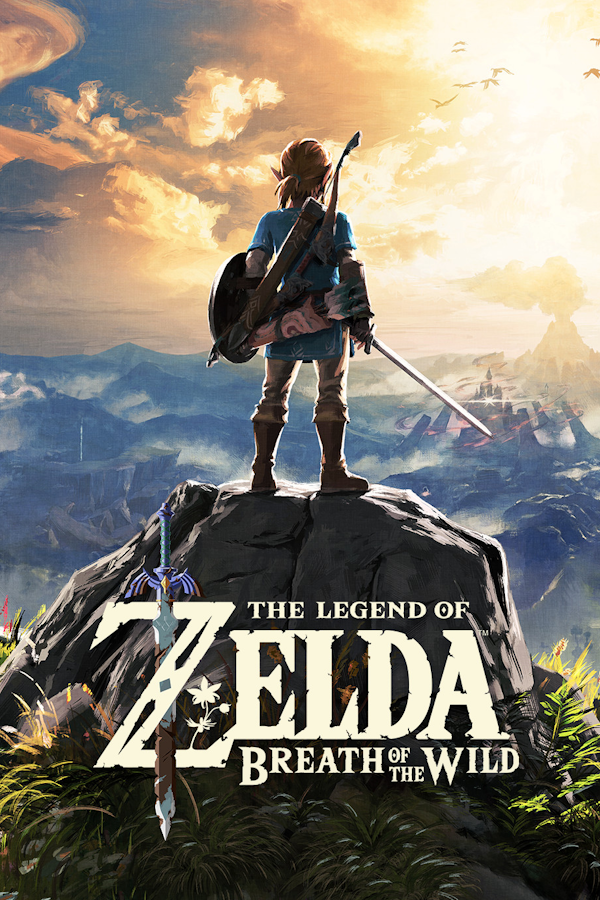 The Legend of Zelda: Breath of the WildNintendo Switch · BOTWRecompAndroid · AndroidPartly PlayablePre-release60 FPSWidescreenHD
 Pokémon: Let's Go, Eevee!Nintendo Switch · WindowsPlayable Start To Finish60 FPSHDMods
 Pokémon: Let's Go, Pikachu!Nintendo Switch · WindowsPlayable Start To Finish60 FPSHDMods
 Super Smash Bros. Ultimate (OpenSmash-Ultimate)Nintendo Switch · WindowsPre-releaseModsOnline Play