

Games · IBM PC (MS-DOS)

Prince of Persia
- ReleasedDec 24, 2025
- GitHub Stars1.3K
How It Runs
Played it? The app asks how a game ran when you close it, and your report shows here.
- Console
- IBM PC (MS-DOS)
- Project
- SDLPoP
- Runs On
- Windows
- Version
- AI Use
- AI-Assistance Not Known
- What It Adds
- Mods - “Hall-of-Fame and saved game files of mods will be placed in a subdirectory named after the mod.”
How To Set Up
Nothing of your own is needed.
The First Time It Starts
- Double-click prince.exe (open a command line if you want to pass options such as 'full' for full screen).
- Press Esc or Backspace for the in-game menu; Alt+Enter toggles full screen.
Decomp Buddy does the downloading and unpacking for you. These notes are condensed from the project's own instructions, for Windows PC.
Made By
 NagyD
 Falcury
 dstarosta
 FluffyQuack
 javierdlr
 kees
 Ryzee119
 vichoca9
 bonki
 ecalot
 berikv
 zaps166
Safety Report
- License
- GNU General Public License v3.0
- Account
- On GitHub since February 2015
Install
Get Game
Nothing happened? You need Decomp Buddy first. It's free: Get Decomp Buddy, open it once, then press Install again.
Decomp Buddy never hosts or downloads the original game. It sets up SDLPoP and tells you exactly which file of yours to drop in - then checks it's the right one. A ready-made plan is published for this one, so no AI key is needed. This is a community project: we check it, but we can't guarantee it.
Made this? Get a Listed On Decomp Buddy badge for your README.
More Like This
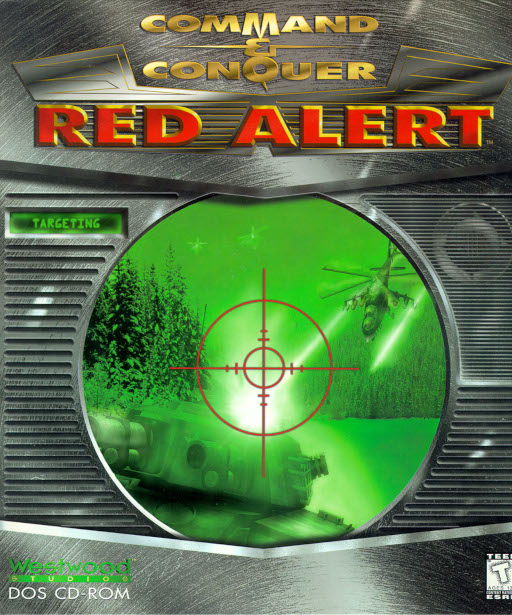 Command & Conquer: Red AlertIBM PC (MS-DOS) · OpenRA · Linux · Windows · macOSPre-releaseMods
 Command & Conquer: Tiberian DawnIBM PC (MS-DOS) · OpenRA · Linux · Windows · macOSPre-releaseMods
 DoomIBM PC (MS-DOS) · gzdoom · macOS · Windows · Linux
 The Elder Scrolls II: DaggerfallIBM PC (MS-DOS) · Linux · macOS · WindowsWidescreenHDModsDoom (QuestZDoom)IBM PC (MS-DOS) · Meta QuestModsDoom (UZDoom)IBM PC (MS-DOS) · Linux · Windows · macOSPre-releaseHDMods