

Games · PlayStation 2

Ridge Racer V
- ReleasedOct 4, 2026
- Downloads3.9K
- Versionv1.1.0Scanned Clean
- GitHub Stars104
How It Runs
Played it? The app asks how a game ran when you close it, and your report shows here.
- Console
- PlayStation 2
- Project
- fukami
- Runs On
- Linux · macOS
- Version
- v1.1.0 - v1.0.0 is out; Decomp Buddy installs it once it has passed the malware scan
- Steam Deck
- Runs On Steam Deck - “Fukami plays Ridge Racer V (USA, `SLUS-20002`) natively on macOS (Apple silicon) and on the Steam Deck.”
- AI Use
- AI-Assistance Not Known
- What It Adds
- 60 FPS - “- Native 60 fps progressive output; the game's logic still sees the exact PS2 timing.” · Widescreen - “- Real widescreen (16:9, 16:10, 21:9): the game's camera renders a wider view, not a stretched picture.” · HD - “- Internal resolution up to 8x, PCSX2 anti-aliasing emulation, FXAA, CAS sharpening, anisotropic filtering, mipmaps.”
How To Set Up
You Bring
- Ridge Racer V (USA) CHD - A CHD image of your own Ridge Racer V (USA) disc (SLUS-20002). Dump the disc with any standard tool, then convert with chdman (part of MAME): chdman createcd -i RidgeRacerV.cue -o RidgeRacerV.chd.
The First Time It Starts
- Unzip Fukami-1.0.0-macos-arm64.zip and move Fukami to Applications.
- Right-click Fukami and choose Open, then Open again (the app is ad-hoc signed and not notarised); or use System Settings > Privacy & Security > Open Anyway.
- Click 'Choose CHD…' and pick your Ridge Racer V (USA) CHD; it unpacks the game files once (about half a minute).
- The game starts fullscreen.
Decomp Buddy does the downloading and unpacking for you. These notes are condensed from the project's own instructions, for Mac (Apple Silicon).
Made By
 danisandoval
Safety Report
- Malware Scan
- Scanned with ClamAV 1.5.4 on Oct 18, 2026: no known malware in its 2 downloads. Decomp Buddy only installs those exact files - if the project swaps one, it waits for a new scan.
- Uploaded By
- The project's owner
- License
- GNU General Public License v3.0
- Account
- On GitHub since November 2015
Install
Get Game
Nothing happened? You need Decomp Buddy first. It's free: Get Decomp Buddy, open it once, then press Install again.
Decomp Buddy never hosts or downloads the original game. It sets up fukami and tells you exactly which file of yours to drop in - then checks it's the right one. A ready-made plan is published for this one, so no AI key is needed. This is a community project: we check it, but we can't guarantee it.
Made this? Get a Listed On Decomp Buddy badge for your README.
More Like This
 Jak & DaxterPlayStation 2 · Linux · macOS · WindowsPlayable Start To Finish
 Downhill DominationPlayStation 2 · Windows60 FPSWidescreenMods
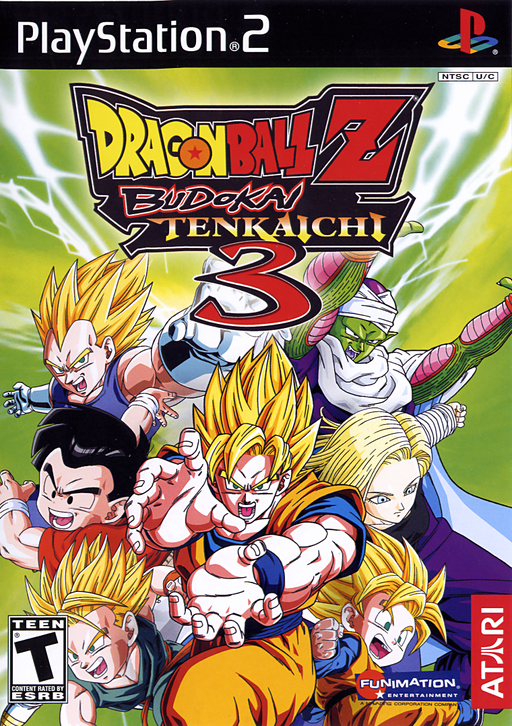 Dragon Ball Z: Budokai Tenkaichi 3PlayStation 2 · Tenkaichi3Decomp · Windows · LinuxPlayable Start To Finish
 Dragon Ball Z: Budokai Tenkaichi 4 (BT4 Tag Team)PlayStation 2 · WindowsPre-releaseHDModsOnline Play
 Ratchet & Clank (OpenRAC)PlayStation 2 · Linux · macOS · WindowsMods
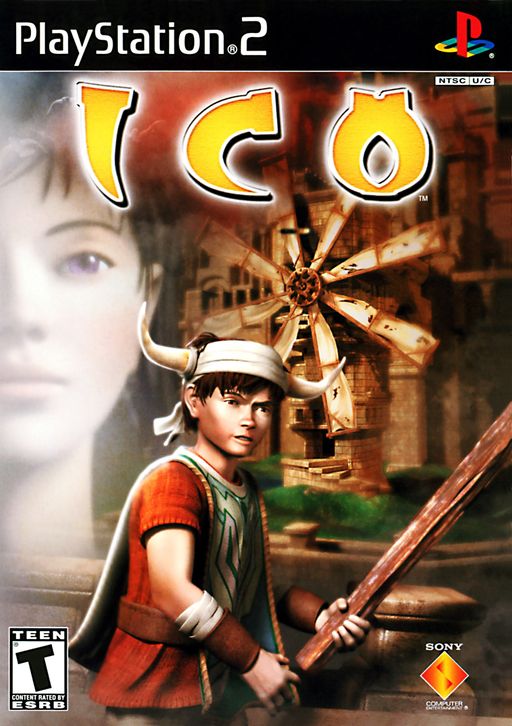 IcoPlayStation 2 · Windows · Linux · Android · iOSRuns On Steam Deck