

Games · Game Boy Advance
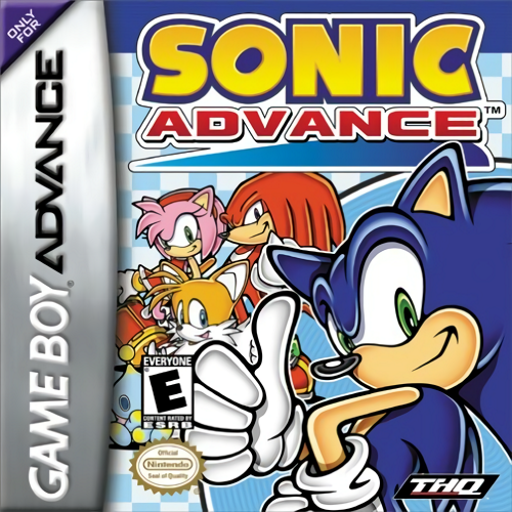
Sonic Advance (sonicadvance-nx)
- ReleasedNov 19, 2026
- Versionv0.1.3Scanned Clean
How It Runs
Played it? The app asks how a game ran when you close it, and your report shows here.
- Console
- Game Boy Advance
- Project
- sonicadvance-nx
- Runs On
- Switch
- Version
- v0.1.3 - v0.1.0 is out; Decomp Buddy installs it once it has passed the malware scan
- AI Use
- AI-Assistance Not Known
- What It Adds
- 60 FPS - “running at a locked, buttery-smooth 60 FPS”
How To Set Up
You Bring
- Sonic Advance ROM (USA) - Your own dump of the Game Boy Advance cartridge, renamed rom.gba. Supported: Sonic Advance (USA) (En,Ja), Game ID ASOE.
- GBA BIOS - Your own official Game Boy Advance BIOS dump named gba_bios.bin.
The First Time It Starts
- Launch sonic_advance_nx.nro from the Homebrew Menu.
- Hold + and - together to exit cleanly back to the Homebrew Menu.
Decomp Buddy does the downloading and unpacking for you. These notes are condensed from the project's own instructions, for Nintendo Switch.
Made By
 Niecks90
Safety Report
- Malware Scan
- Scanned with ClamAV 1.5.4 on Nov 20, 2026: no known malware in its download. Decomp Buddy only installs those exact files - if the project swaps one, it waits for a new scan.
- Uploaded By
- The project's owner
- License
- Not stated by the project
- Account
- On GitHub since October 2021
Install
Get Game
Nothing happened? You need Decomp Buddy first. It's free: Get Decomp Buddy, open it once, then press Install again.
Decomp Buddy never hosts or downloads the original game. It sets up sonicadvance-nx and tells you exactly which file of yours to drop in - then checks it's the right one. A ready-made plan is published for this one, so no AI key is needed. This is a community project: we check it, but we can't guarantee it.
Made this? Get a Listed On Decomp Buddy badge for your README.
More Like This
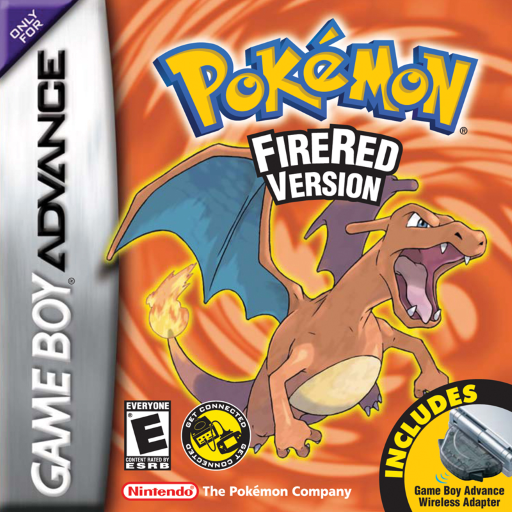 Pokémon FireRedGame Boy Advance · Gen1Recomp · Windows · Linux · macOS · Android · iOS · Switch
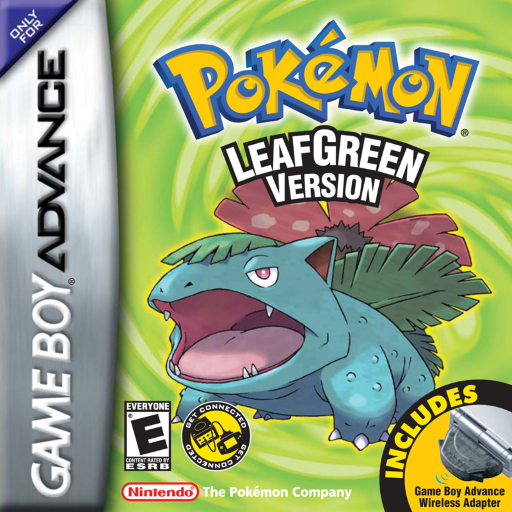 Pokémon LeafGreenGame Boy Advance · Gen1Recomp · Windows · Linux · macOS · Android · iOS · Switch
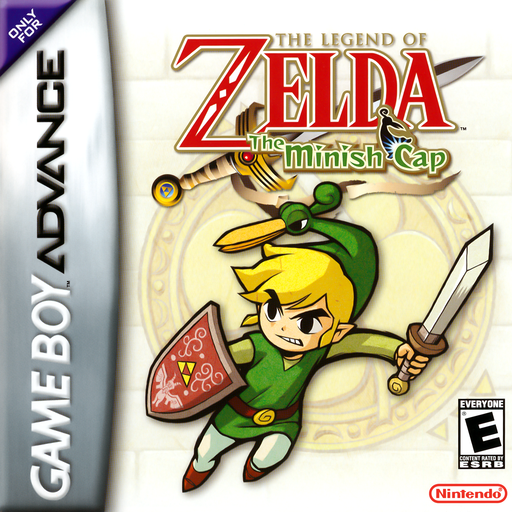 The Legend of Zelda: The Minish CapGame Boy Advance · zelda-tmc-3ds · 3DS · Windows
 Pokemon Emerald (Emerald 3DS)Game Boy Advance · 3DS · Windows
 Mario Kart: Super CircuitGame Boy Advance · WindowsPre-releasePokémon EmeraldGame Boy Advance · EmeraldRecomp · WindowsNot Playable Yet