

Games · GameCube
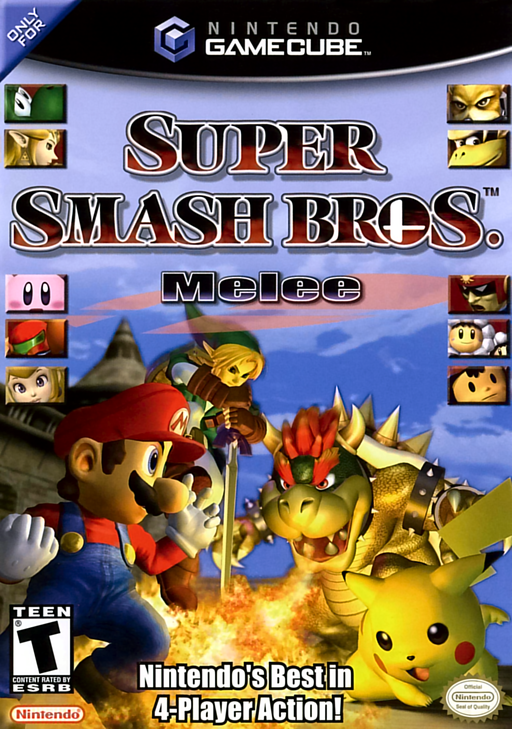
Super Smash Bros. Melee (AI-Melee)
- ReleasedNov 20, 2026
- Versionai-melee-v0.10Scanned Clean
How It Runs
Plays Great
Has Problems
Won't Run
Played it? The app asks how a game ran when you close it, and your report shows here.
- Console
- GameCube
- Project
- aimelee
- Runs On
- Windows
- Version
- ai-melee-v0.10, Nov 20, 2026
- AI Use
- AI-Assistance Not Known
How To Set Up
You Bring
- Super Smash Bros. Melee disc image (NTSC-U 1.02, GALE01) - A disc image of your own Super Smash Bros. Melee, NTSC-U version 1.02 (GALE01).
The First Time It Starts
- Double-click AI-Melee.exe (not game\melee.exe, which is the plain game without the AI).
- Choose your disc with Change... and press Play.
- First run only: a one-time setup converts the 2017 agents and sets up the newer Phillip (about 2.5 GB) and times the model; wait for AI ready.
- Later starts take seconds. Use Add desktop shortcut for a shortcut.
Decomp Buddy does the downloading and unpacking for you. These notes are condensed from the project's own instructions, for Windows PC.
Made By
999sian
claude
zurgace
turtlesoupy
r-burns
Joyastick
MarkMcCaskey
edgarlugo
ribbanya
PsiLupan
alexscott2718-gif
itsgrimetime
Safety Report
- Malware Scan
- Scanned with ClamAV 1.5.4 on Nov 21, 2026: no known malware in its download. Decomp Buddy only installs those exact files - if the project swaps one, it waits for a new scan.
- Uploaded By
- The project's own automatic build on GitHub
- License
- Not stated by the project
- Account
- On GitHub since September 2013
Install
Get Game
Nothing happened? You need Decomp Buddy first. It's free: Get Decomp Buddy, open it once, then press Install again.
Decomp Buddy never hosts or downloads the original game. It sets up aimelee and tells you exactly which file of yours to drop in - then checks it's the right one. A ready-made plan is published for this one, so no AI key is needed. This is a community project: we check it, but we can't guarantee it.
Made this? Get a Listed On Decomp Buddy badge for your README.
More Like This
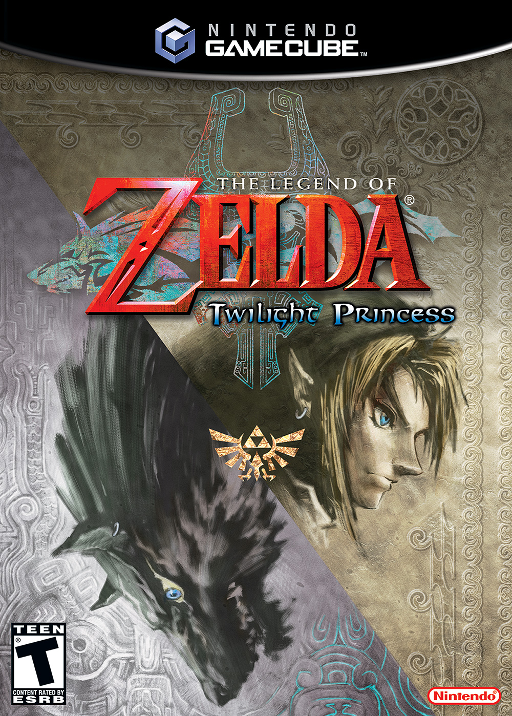 The Legend of Zelda: Twilight PrincessGameCube · Windows · Linux · macOS · AndroidSuper Smash Bros. MeleeGameCube · melee-pc · Windows · Linux · AndroidMostly Playable
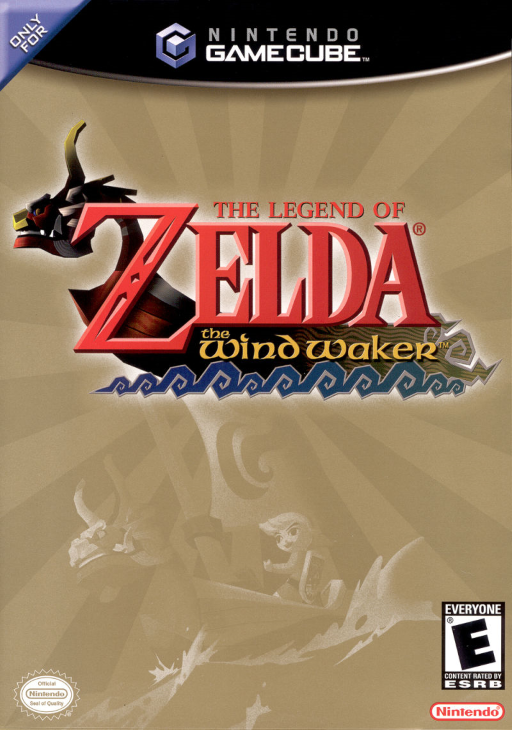 The Legend of Zelda: The Wind WakerGameCube · BlueWake · iOS · Windows · Linux60 FPSWidescreenHD
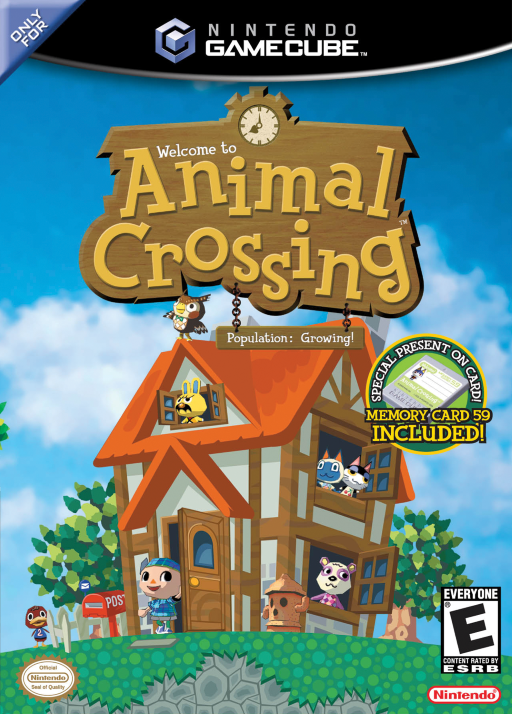 Animal CrossingGameCube · ACGC-PC-Port · Windows
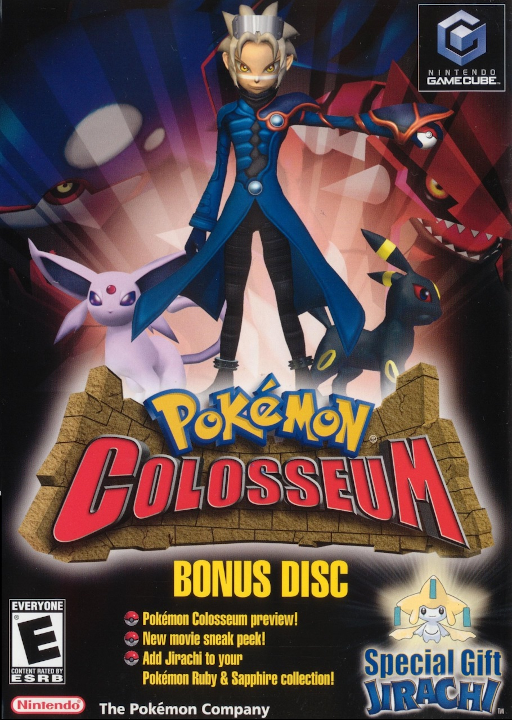 Pokémon ColosseumGameCube · macOS · Windows · LinuxRuns On Steam DeckPre-release60 FPSWidescreenHD
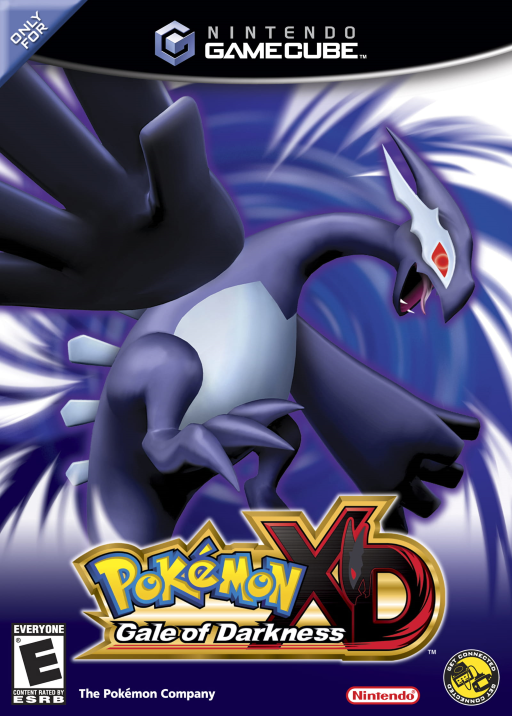 Pokémon XD: Gale of DarknessGameCube · macOS · Windows · LinuxRuns On Steam DeckPre-release60 FPSWidescreenHD