Games · Xbox
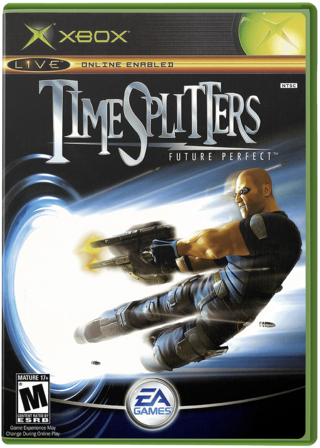
TimeSplitters: Future Perfect
- Console
- Xbox
- Project
- timesplitters-future-perfect-pc
- Runs On
- Windows · macOS
- Version
- v0.6.2 - v0.3.3 is out; Decomp Buddy installs it once it has passed the malware scan
- What It Adds
- 60 FPS - “| High frame rate | Original 60 FPS by default; compatible game builds offer opt-in 120/180/240 FPS beta settings.” · Widescreen - “| Widescreen | 1080p, 1440p, 4K and ultrawide support, with adjustable field of view.” · HD - “| Widescreen | 1080p, 1440p, 4K and ultrawide support, with adjustable field of view.” · Online Play - “| Online multiplayer | Player-hosted Online and LAN matches with bot support.” · Local Multiplayer - “| Local split-screen | Play with multiple players on the same screen using controllers.”
Made By
 TheDoffman
 tenovos-sebastiano
Safety Report
- Malware Scan
- Scanned with ClamAV 1.5.4 on Nov 12, 2026: no known malware in its 2 downloads. Decomp Buddy only installs those exact files - if the project swaps one, it waits for a new scan.
- Uploaded By
- The project's owner
- License
- GNU General Public License v3.0
- Account
- On GitHub since April 2013
Install
Get Game
Nothing happened? You need Decomp Buddy first. It's free: Get Decomp Buddy, open it once, then press Install again.
Decomp Buddy never hosts or downloads the original game. It sets up timesplitters-future-perfect-pc and tells you exactly which file of yours to drop in - then checks it's the right one. A ready-made plan is published for this one, so no AI key is needed. This is a community project: we check it, but we can't guarantee it.
Made this? Get a Listed On Decomp Buddy badge for your README.