

Games · Xbox
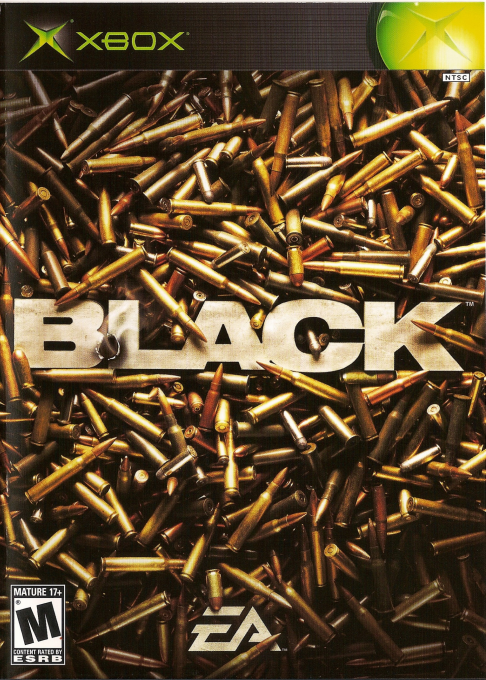
Black
- ReleasedNov 8, 2026
- Downloads779
- Versionv5.8Scanned Clean
- GitHub Stars7
How It Runs
Plays Great
Has Problems
Won't Run
Played it? The app asks how a game ran when you close it, and your report shows here.
- Console
- Xbox
- Project
- Black-Continue
- Runs On
- Android
- Version
- v5.8, Nov 8, 2026
- AI Use
- AI-Assistance Not Known
How To Set Up
You Bring
- Black game files (USA or Europe) - Data from your own legally acquired copy: either a disc image (.iso) or default.xbe together with its data folders. USA or Europe release.
The First Time It Starts
- Install the APK.
- Launch Black Android and grant All files access when prompted (on Android 10, the storage permission instead).
- Copy the game files to /storage/emulated/0/Black or a Black folder at the root of the SD card.
- Launch the app; it starts the game once the required files are detected.
Decomp Buddy does the downloading and unpacking for you. These notes are condensed from the project's own instructions, for Android.
Made By
 UnknuwProjects
Safety Report
- Malware Scan
- Scanned with ClamAV 1.5.4 on Nov 18, 2026: no known malware in its download. Decomp Buddy only installs those exact files - if the project swaps one, it waits for a new scan.
- Uploaded By
- The project's own automatic build on GitHub
- License
- GNU General Public License v3.0
- Account
- On GitHub since February 2026
Install
Get Game
Nothing happened? You need Decomp Buddy first. It's free: Get Decomp Buddy, open it once, then press Install again.
Decomp Buddy never hosts or downloads the original game. It sets up Black-Continue and tells you exactly which file of yours to drop in - then checks it's the right one. A ready-made plan is published for this one, so no AI key is needed. This is a community project: we check it, but we can't guarantee it.
Made this? Get a Listed On Decomp Buddy badge for your README.
Other Ports Of This Game
BLACKXbox · BLACK-XBERecomp · WindowsBlackXbox · black-linux · LinuxBlackXbox · Black · macOSPartly PlayableHDModsBlackXbox · Black-Android · AndroidBLACKXbox · black-pc · WindowsPlayable Start To Finish60 FPSWidescreenHDMore Like This
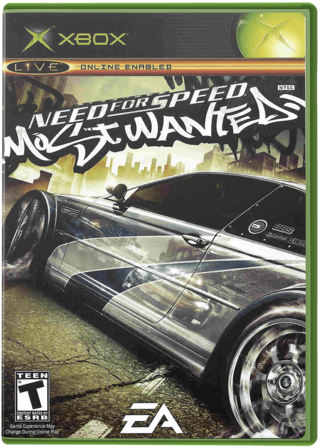 Need for Speed: Most Wanted (Black Edition)Xbox · MostWanted-Android · AndroidPartly Playable60 FPSMods
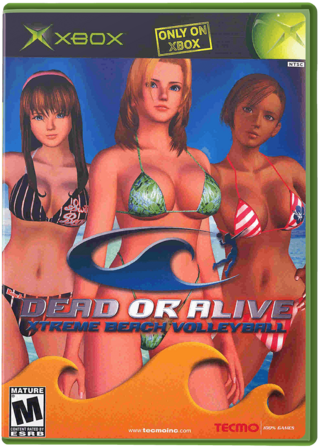 Dead or Alive Xtreme Beach VolleyballXbox · doaxvb-re · WindowsPlayable Start To FinishRay Tracing
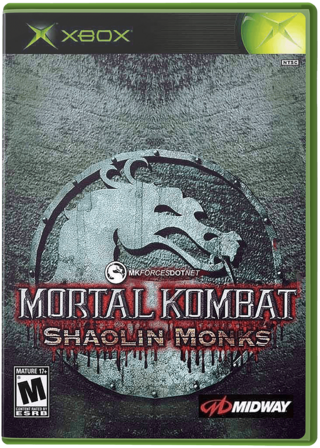 Mortal Kombat: Shaolin MonksXbox · ShaolinMonks-Android · AndroidNot Playable Yet
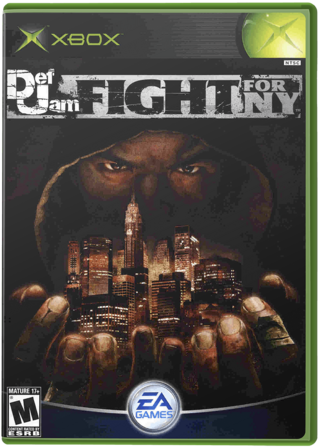 Def Jam: Fight for NYXbox · Def-Jam-Android-Native-Port · Android
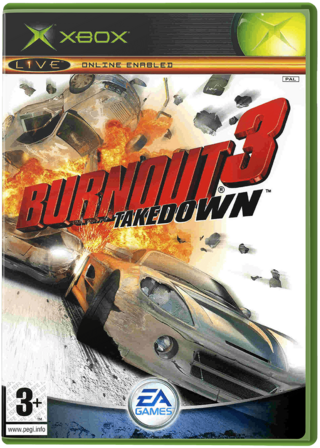 Burnout 3: Takedown (Takedawn)Xbox · Windows · Linux · macOSSteam Deck Verified60 FPSWidescreenHD
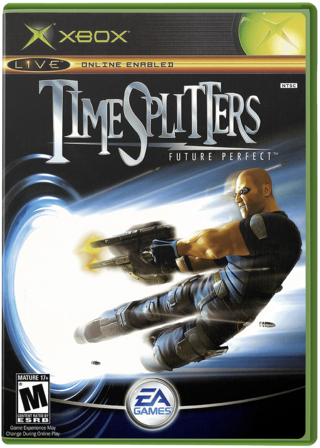 TimeSplitters: Future PerfectXbox · Windows · macOS60 FPSWidescreenHD